
Share a note, mention a person
Sharing is granular and revocable — a link that dies on schedule, a single paragraph rather than a whole note, and a badge on the card so you never forget what left the vault.
Links that expire
Create a public link to a note and choose how it ends: on a date, after a set number of views, or never. Recipients need no account. A link can grant read access or editing.
Links that have expired or run out of views are cleaned up by a background job rather than lingering as dead rows, and you can revoke any of them by hand at any moment.
Sharing with someone on your server
Share directly with another account and the note appears in their Shared with me. Their access is exactly what you granted — view or edit — and it ends when you revoke it.
Whatever route you use, the note’s card in your grid carries a badge saying it has left the vault, with the names on hover. Papyra’s whole pitch is that your notes are yours, which makes “who else can read this one” worth showing on the card rather than burying it two clicks away.
Wiki links and backlinks
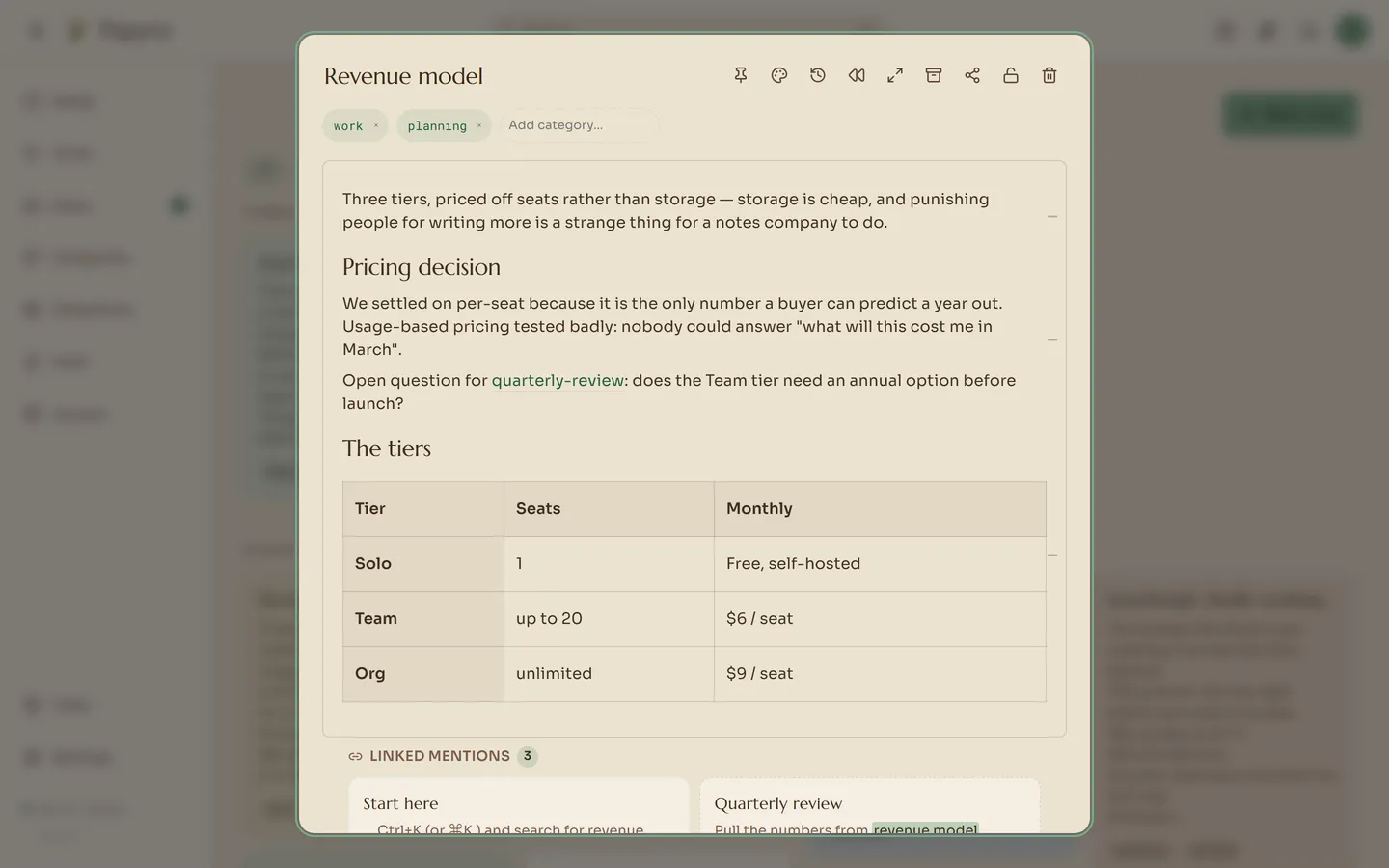
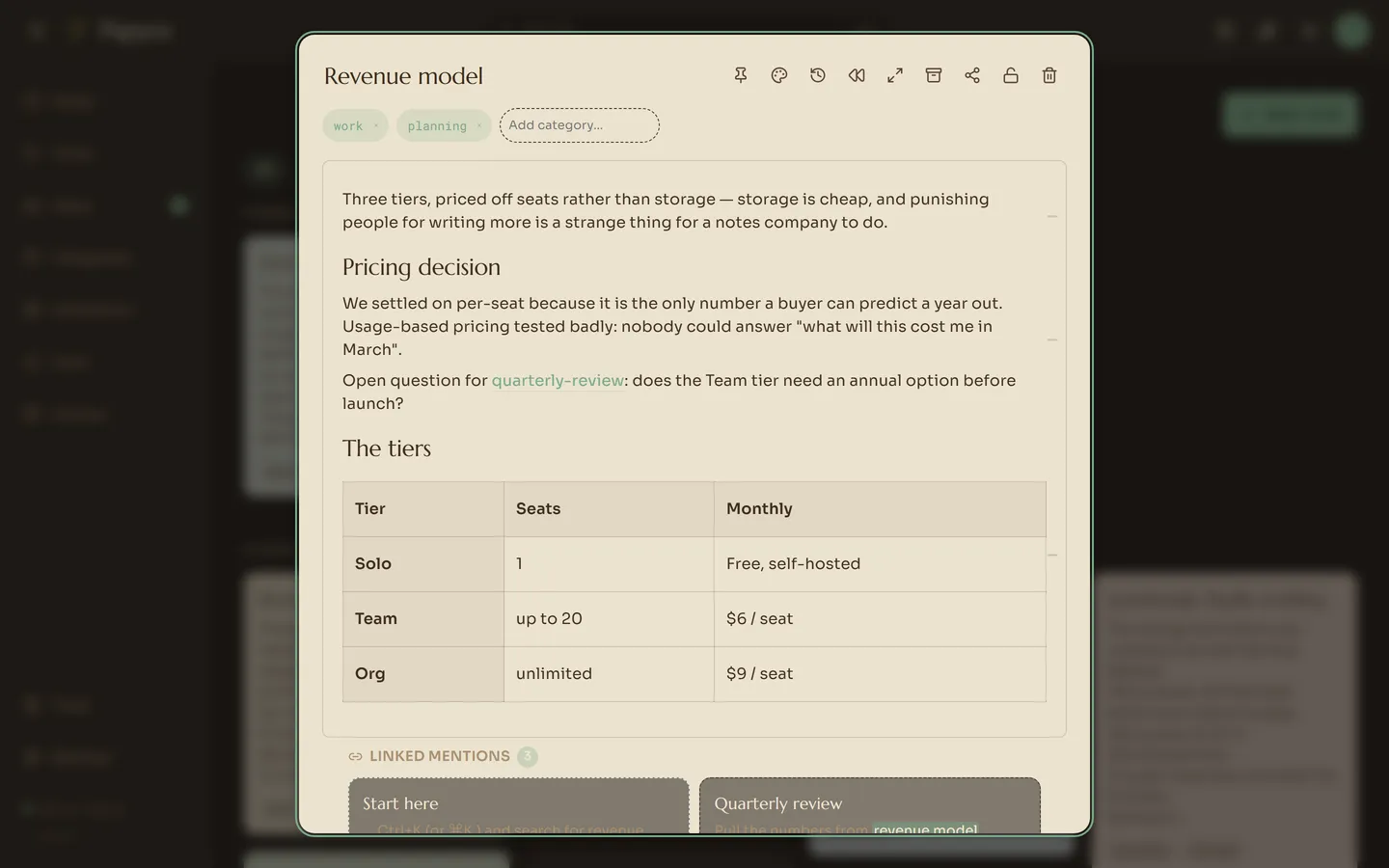
Type [[ in the editor to link another note; a typeahead completes it by title.
Every note then shows its Linked mentions underneath — the notes pointing at
this one, each with the sentence that does the pointing.
That is what makes a pile of notes into something you can walk. You follow links forward while writing and backwards while remembering.
Mentioning a person shares a paragraph, not a note
Type @ and a username. The paragraph you named them in is delivered to that
person’s Inbox — that block, not the note it lives in.
Papyra then asks whether you also want to share the whole note. Say no and the paragraph is genuinely all they can see. Say yes and they can open the note until you revoke it from the note’s share menu. The default is the narrow one.
Two rules keep this from leaking:
- A locked note is never shared and never delivers a mention, no matter what you type in it.
- If the source note is later deleted or locked, the inbox entry says so plainly rather than quietly showing stale text — the grant is block-scoped, so there is nothing else to fall back to.
Smart collections
A collection is a saved rule rather than a folder: any note tagged work and
pinned, or anything whose text mentions pricing. Build the rule in the UI, and
the collection stays current as you write. Notes are not moved or copied — a
note can belong to as many collections as match it, and to none.