
Your notes are ordinary files
There is no database holding your writing hostage. The folder is the storage, and Papyra is one of several things allowed to touch it.
Most note apps keep your writing in a database and offer an export button as an
apology. Papyra inverts that. Every note is a .md file on disk: YAML
frontmatter for the metadata, Markdown for the body. That file is the note.
Everything else — the SQLite cache, the Lucene index, the embeddings — is a
disposable mirror that Papyra can rebuild from the folder at any time.
---
id: quarterly-review
title: Quarterly review
created: 2026-08-12T09:14:22Z
categories: [work, planning]
pinned: true
---

# Quarterly review

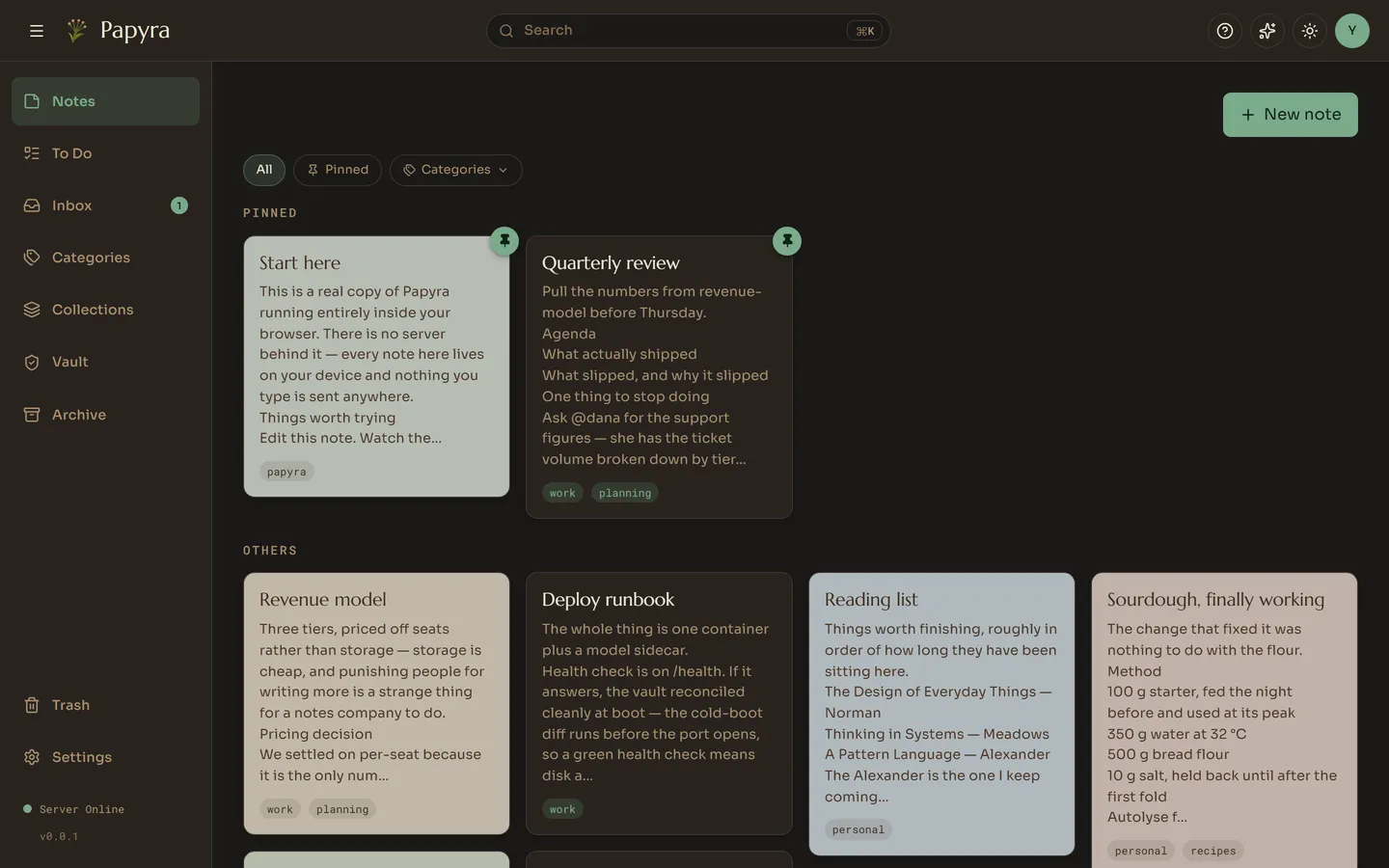
Pull the numbers from [[revenue-model]] before Thursday.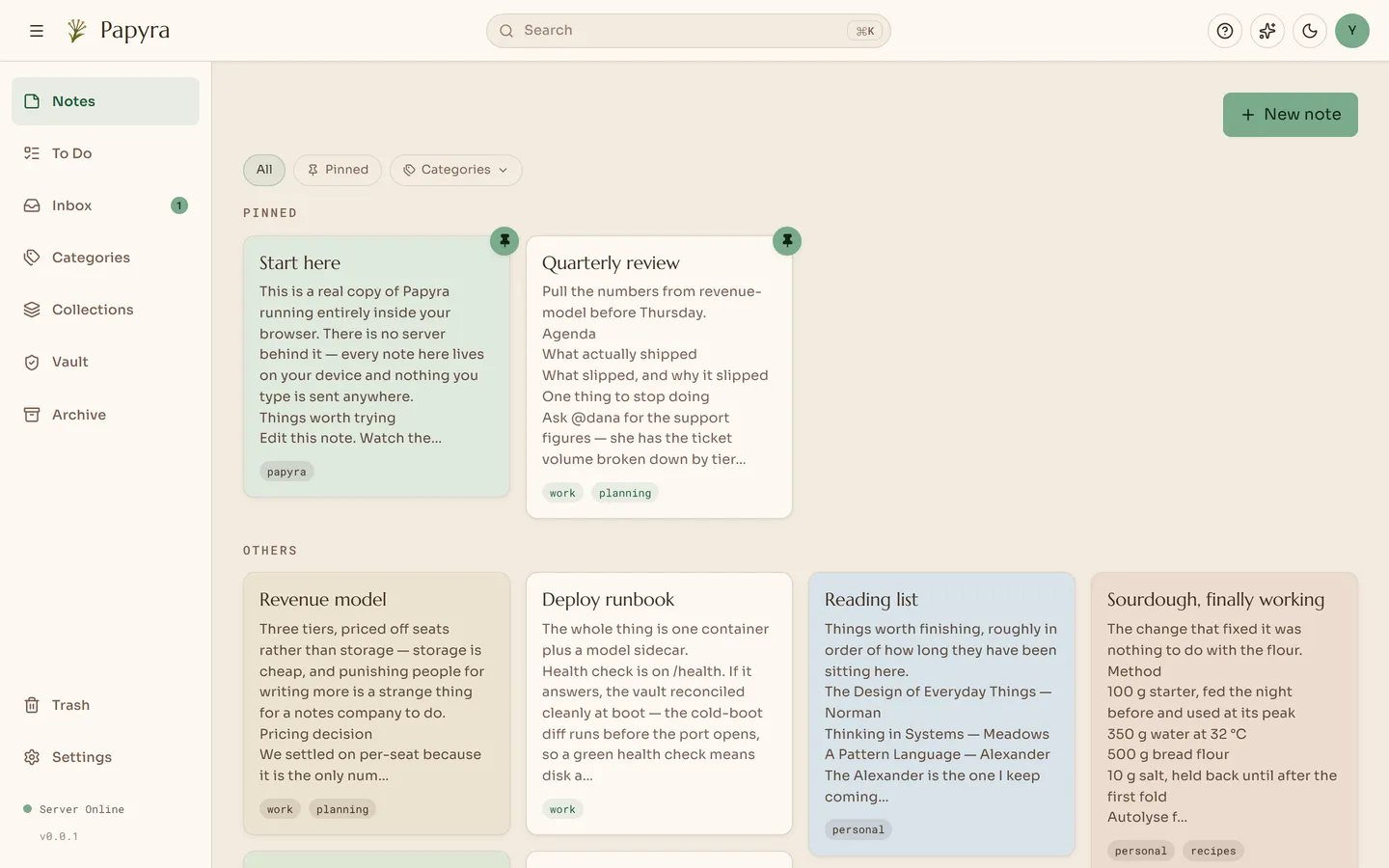
You are not the only writer
The folder is a shared space, and Papyra is built on that assumption rather than
merely tolerating it. A FileSystemWatcher runs per account. Edit a note in
Obsidian, drop a file in over SSH, let Syncthing bring one down from your laptop
— Papyra notices, re-reads it, and pushes the change to any open browser tab
over its realtime channel. No polling, no “refresh to see changes”.
That also means your existing tools keep working. grep finds your notes.
rsync backs them up. git versions them. A file manager moves them.
Frontmatter Papyra does not own is left alone
If a note arrives carrying keys Papyra has never heard of — an Obsidian plugin field, a Syncthing marker, something from your own script — those keys are preserved verbatim through every read and write. Papyra edits the keys it owns and puts everything else back exactly as it found it. A round trip through Papyra is not allowed to be lossy.
Writes are atomic
Every save is written to a temporary file, flushed to disk, and then moved into place. A crash, a power cut or a full disk mid-write cannot leave you with half a note: either the old file is intact or the new one is. The move is the only moment anything changes.
There is a second problem that comes with watching your own folder: Papyra’s own write fires the watcher, which looks exactly like an external edit, which triggers a re-read and potentially another write. Papyra keeps a short record of the writes it just made so it can recognise its own echo and ignore it.
It reconciles before it opens the door
On start-up, Papyra compares what is on disk against its cache before it binds
the port. Files added, changed or removed while it was down are folded in first.
So a healthy /health check means more than “the process is up” — it means disk
and cache already agree.
Nothing about your notes depends on Papyra
This is the part worth dwelling on. If you stop liking Papyra, or the project stops being maintained, or you simply want to move on: you keep the folder. Your notes are already in the most portable, most future-proof format available, and they were the whole time. There is no migration to perform, because there is nothing to migrate out of.