
Drag and drop
Import by dragging.
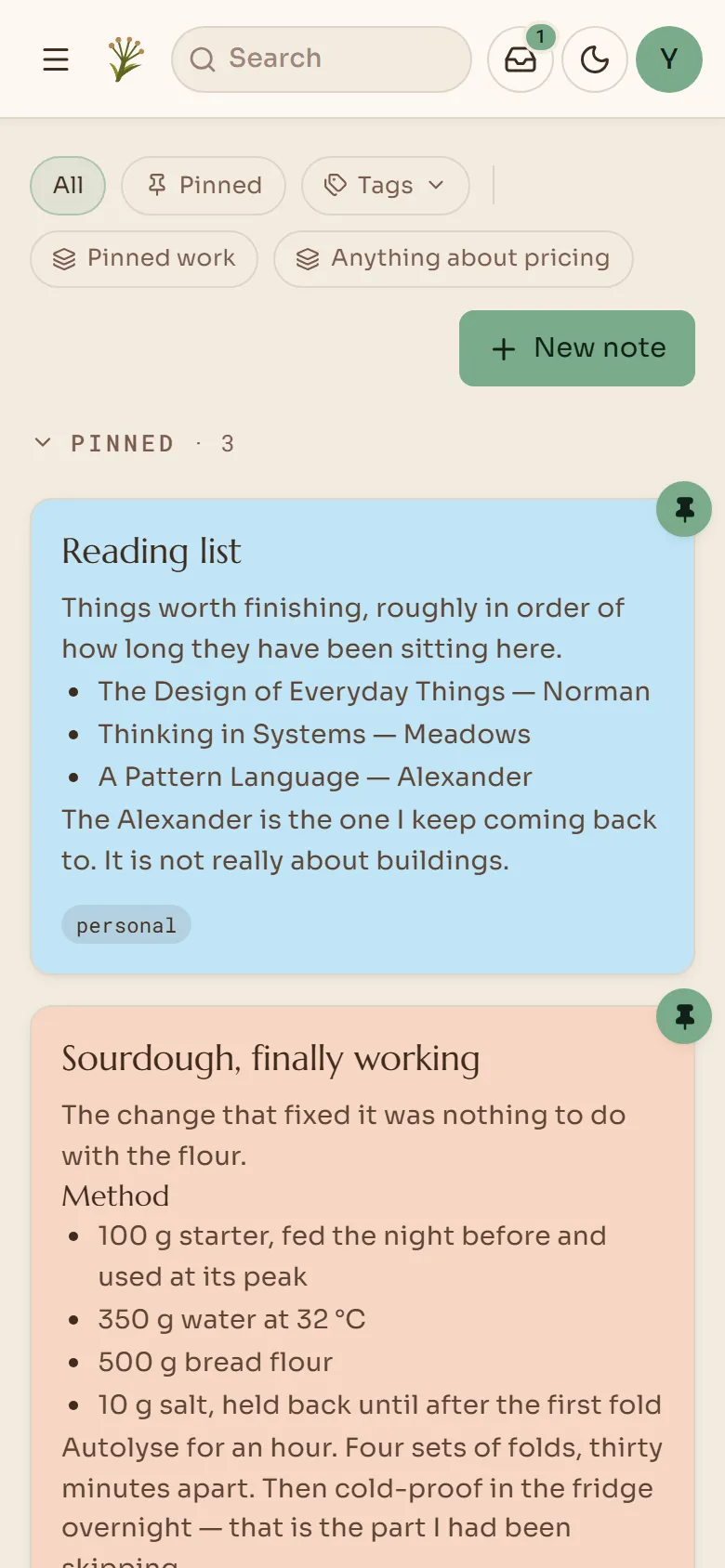
Drag a .md file into the app and it becomes a note. Headings and checklists stay as they were.
Try it in the demo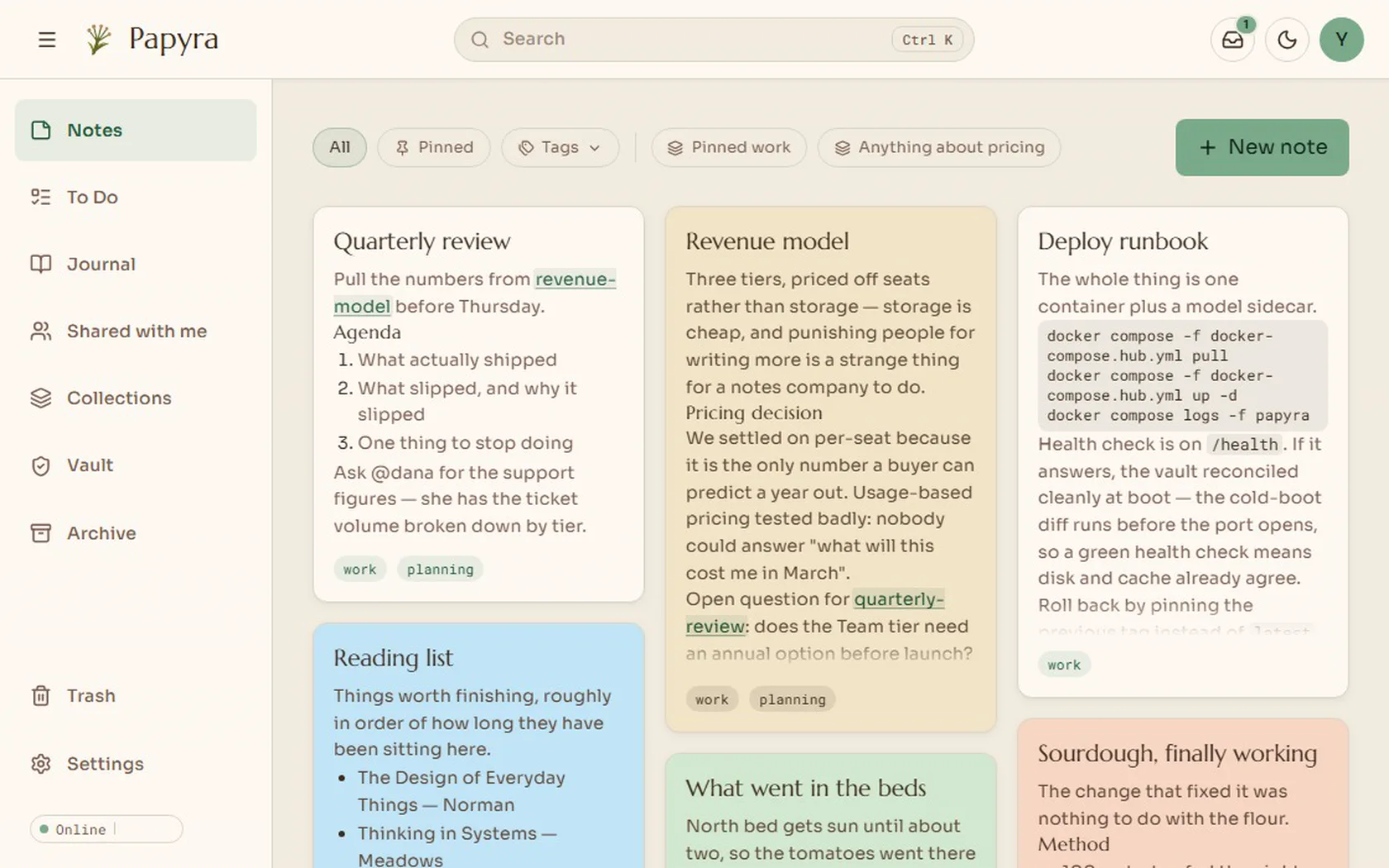
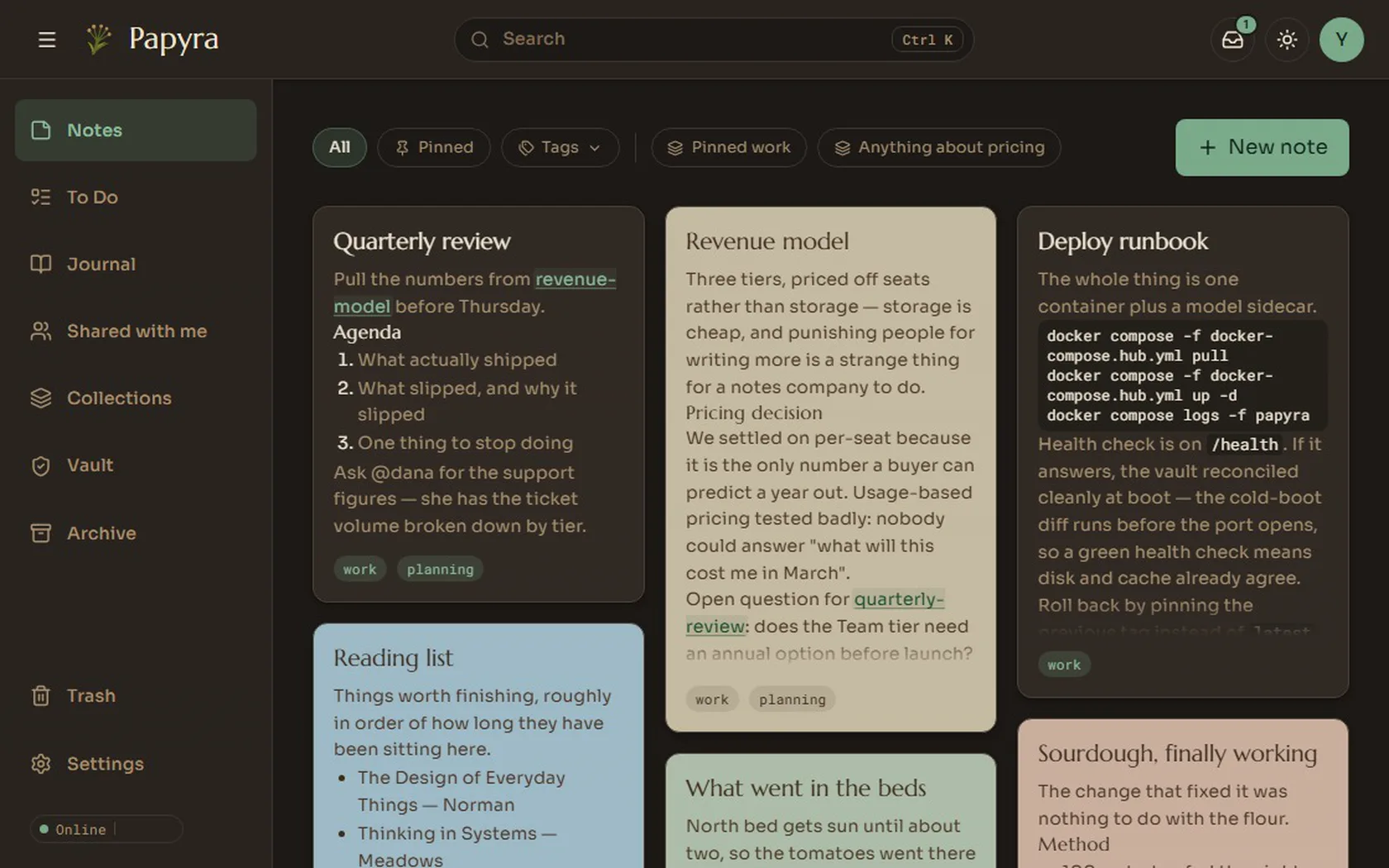
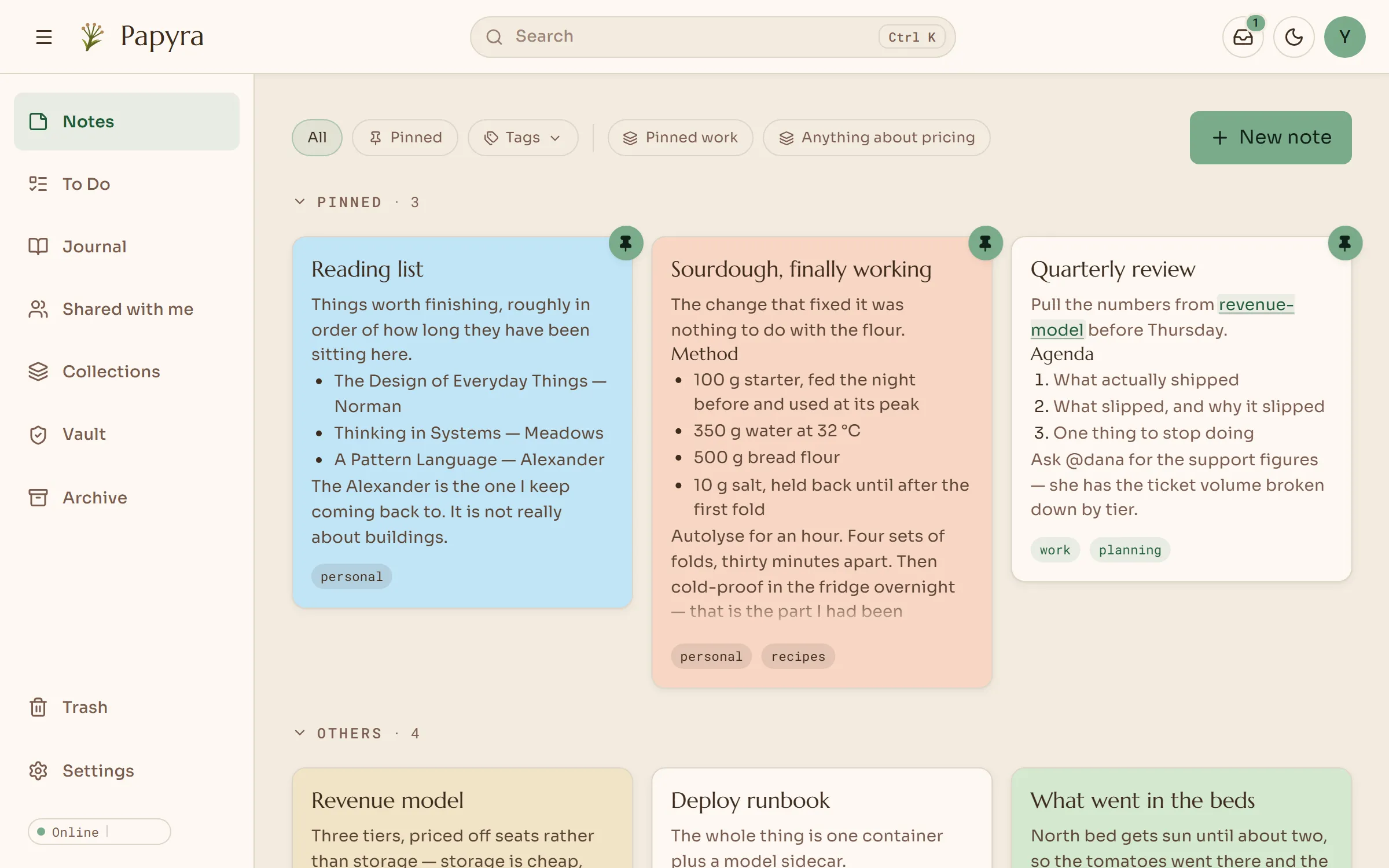
A self-hosted notes app that is as easy as sticky notes and links notes together like a wiki. Every note is a plain Markdown file on your own server.
No sign-up. The demo runs entirely in your browser.
Features
Drag and drop
Drag a .md file into the app and it becomes a note. Headings and checklists stay as they were.
Try it in the demoWrite
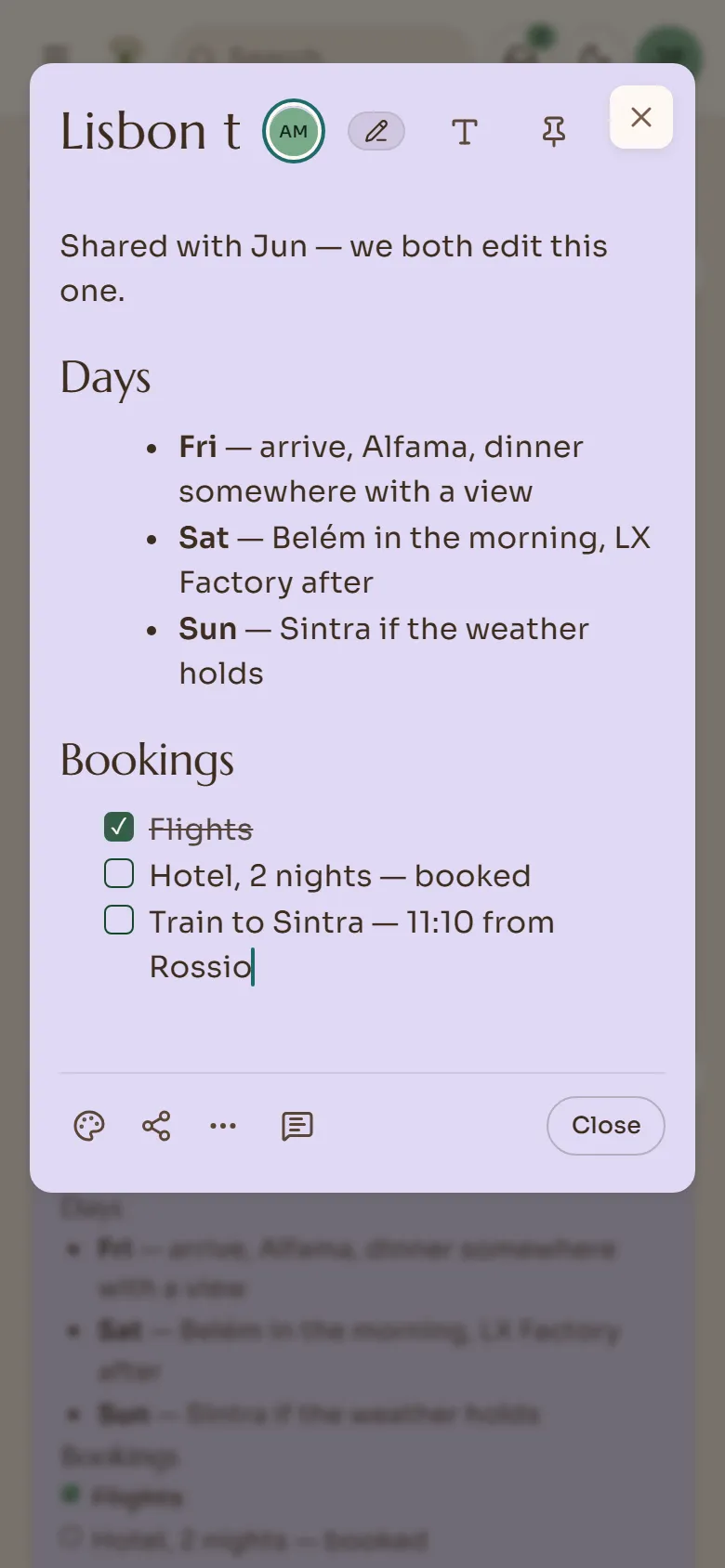
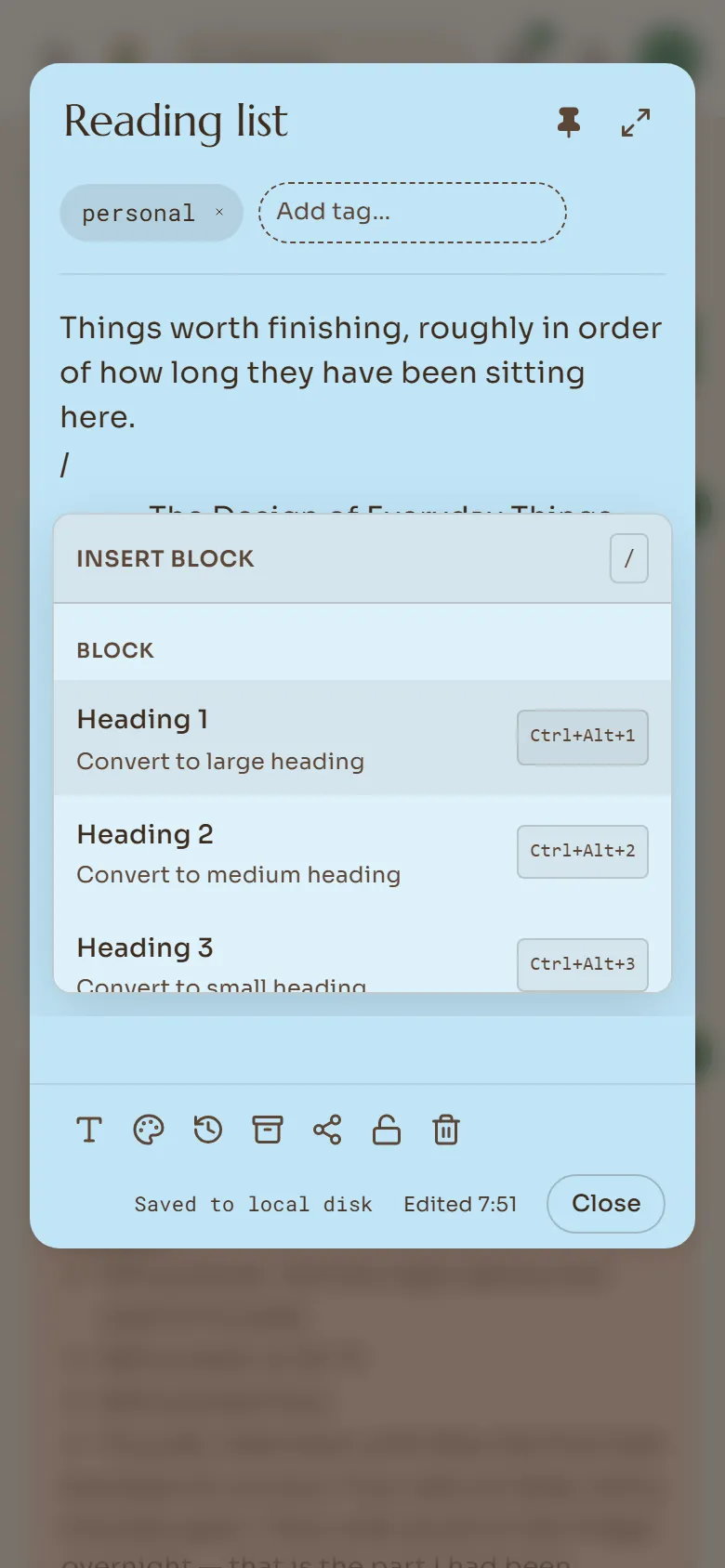
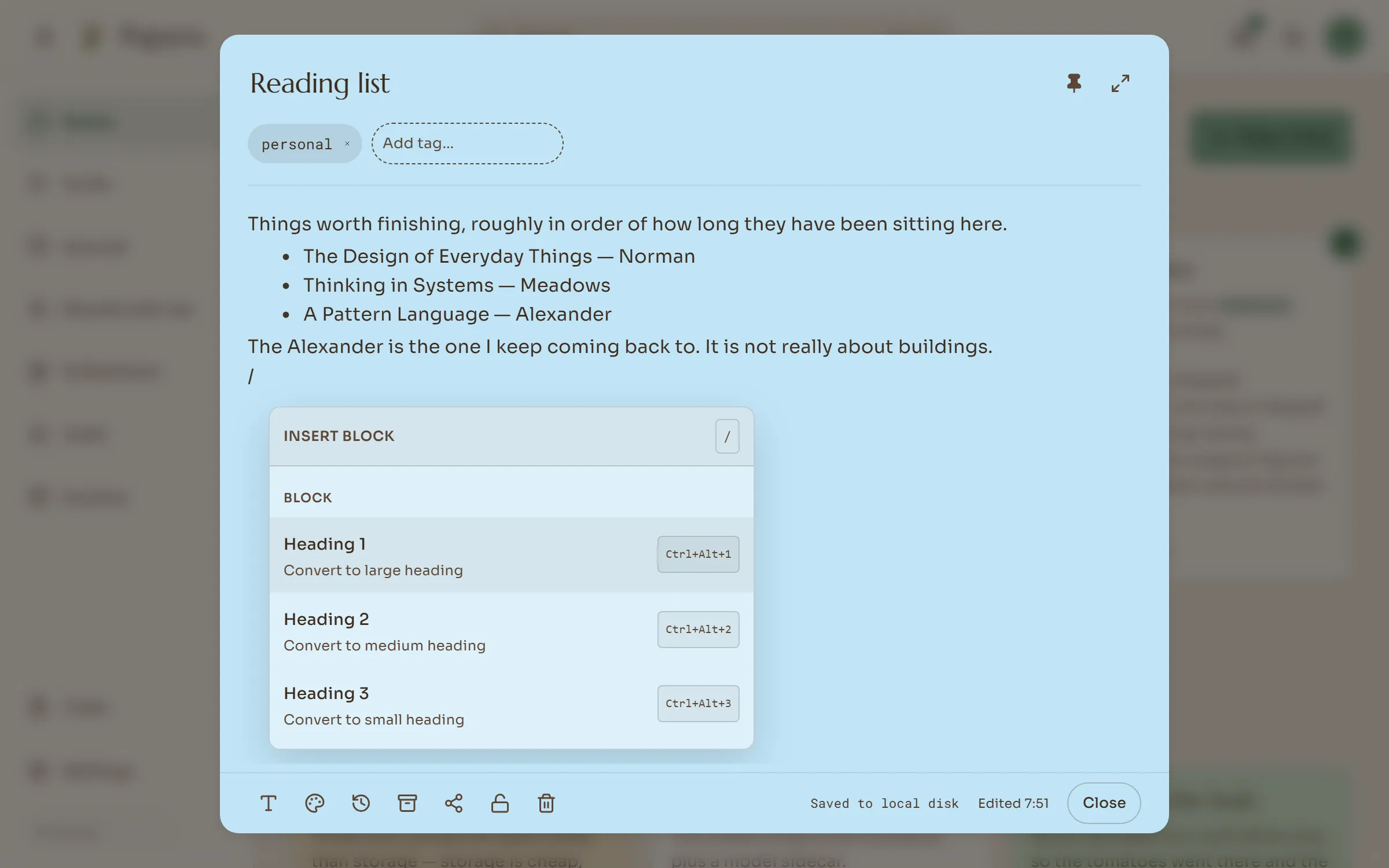
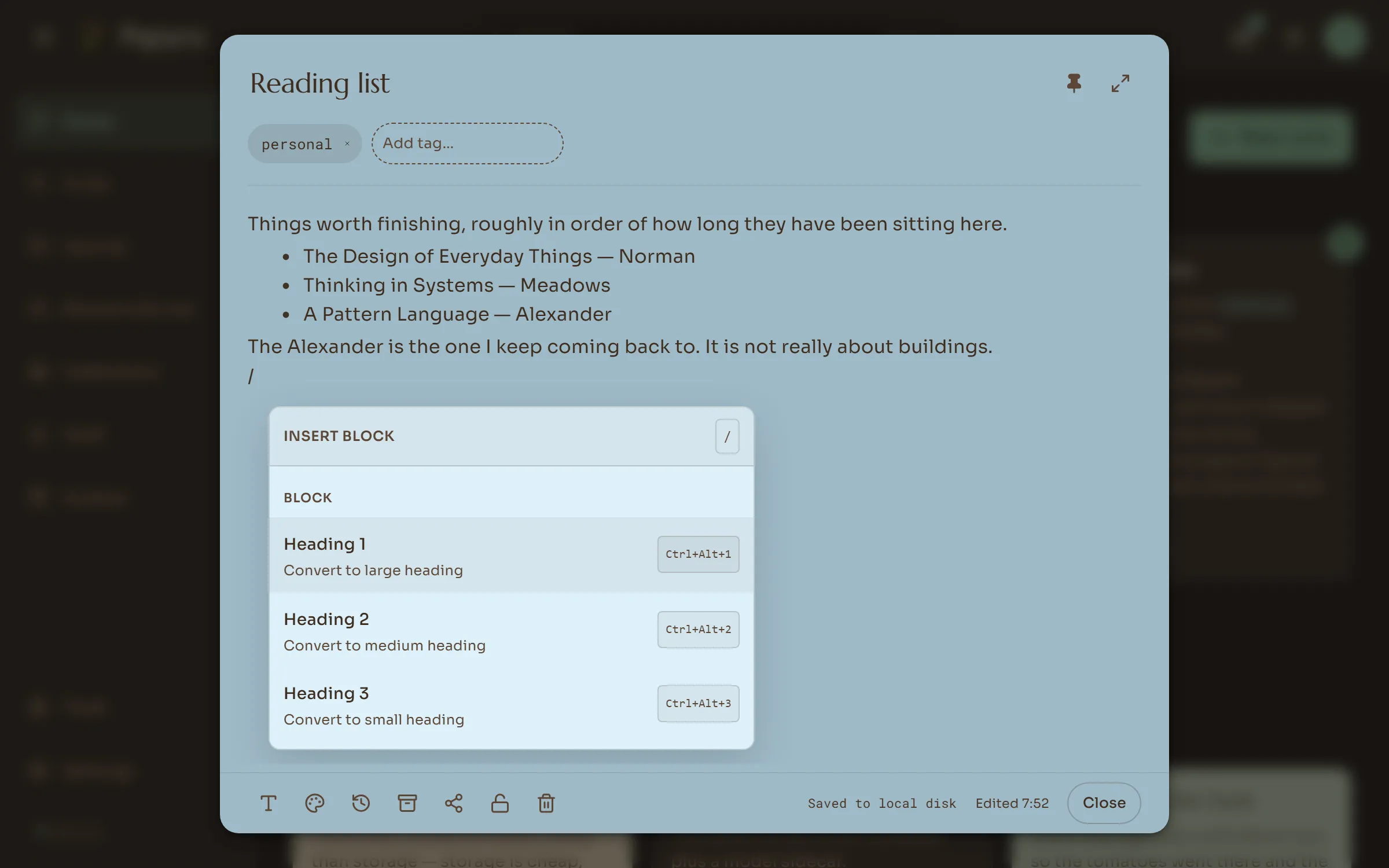
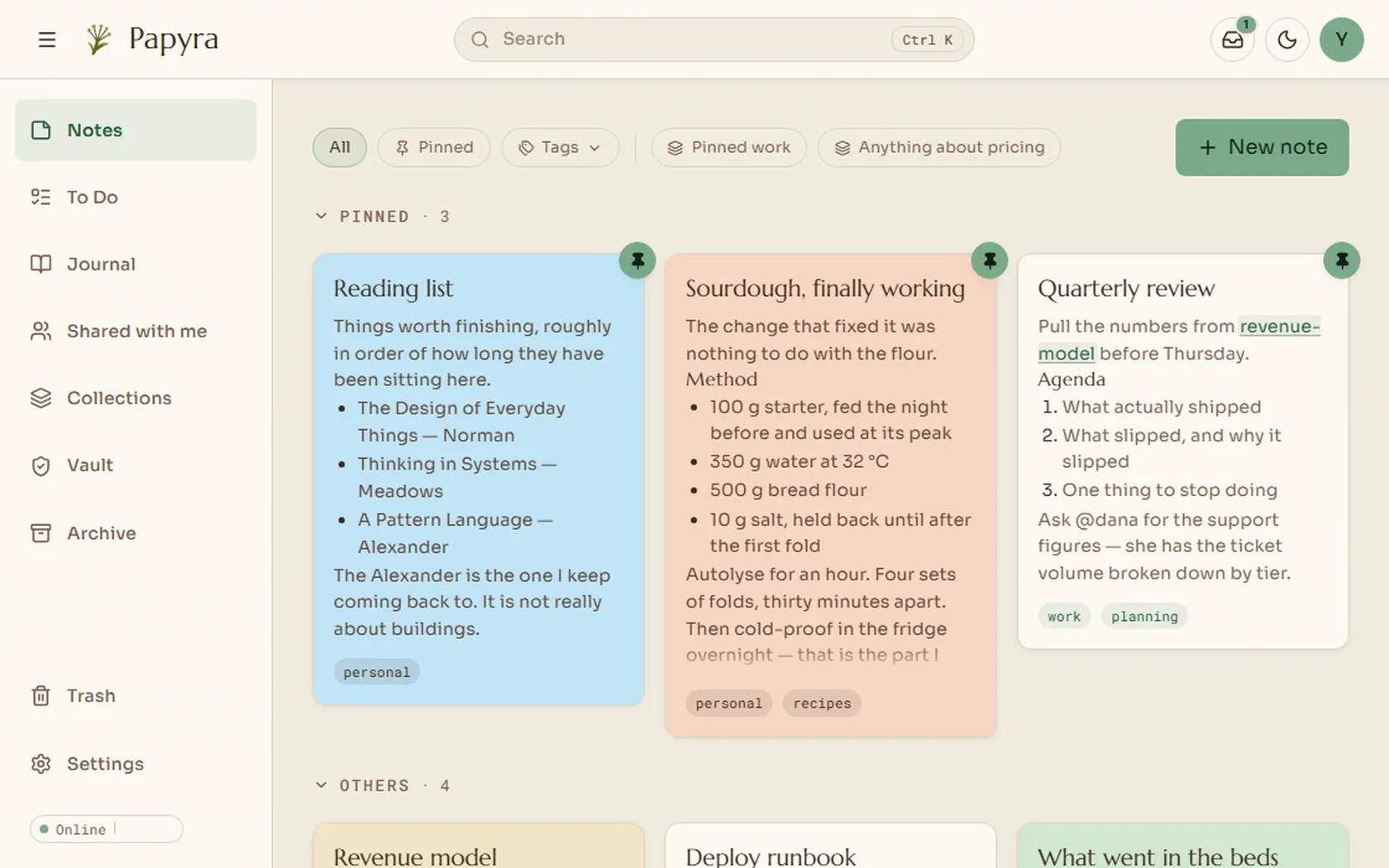
There is no save button. Type / to insert headings, checklists, tables or maps, and [[ to link to another note. Every version is kept, so you can go back to an earlier one.
Journal
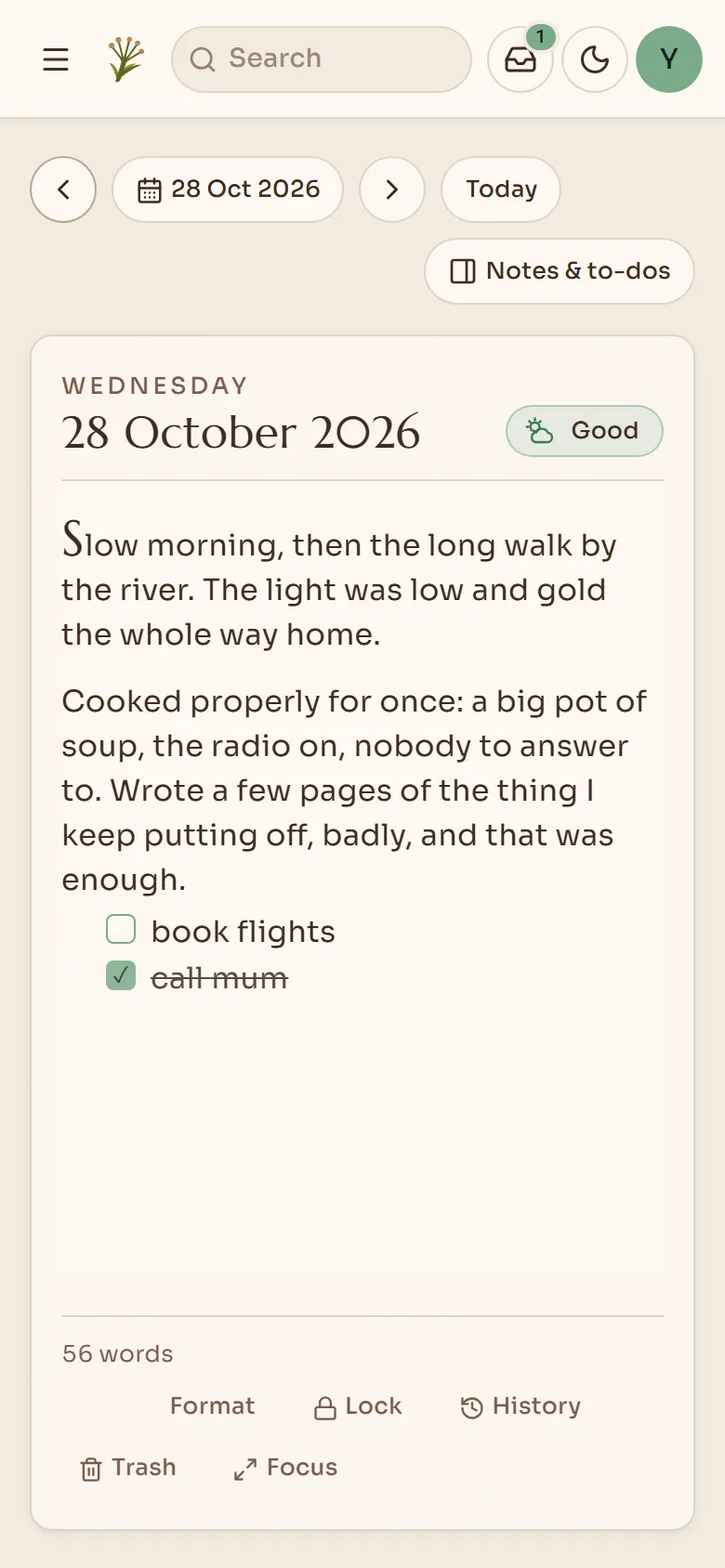
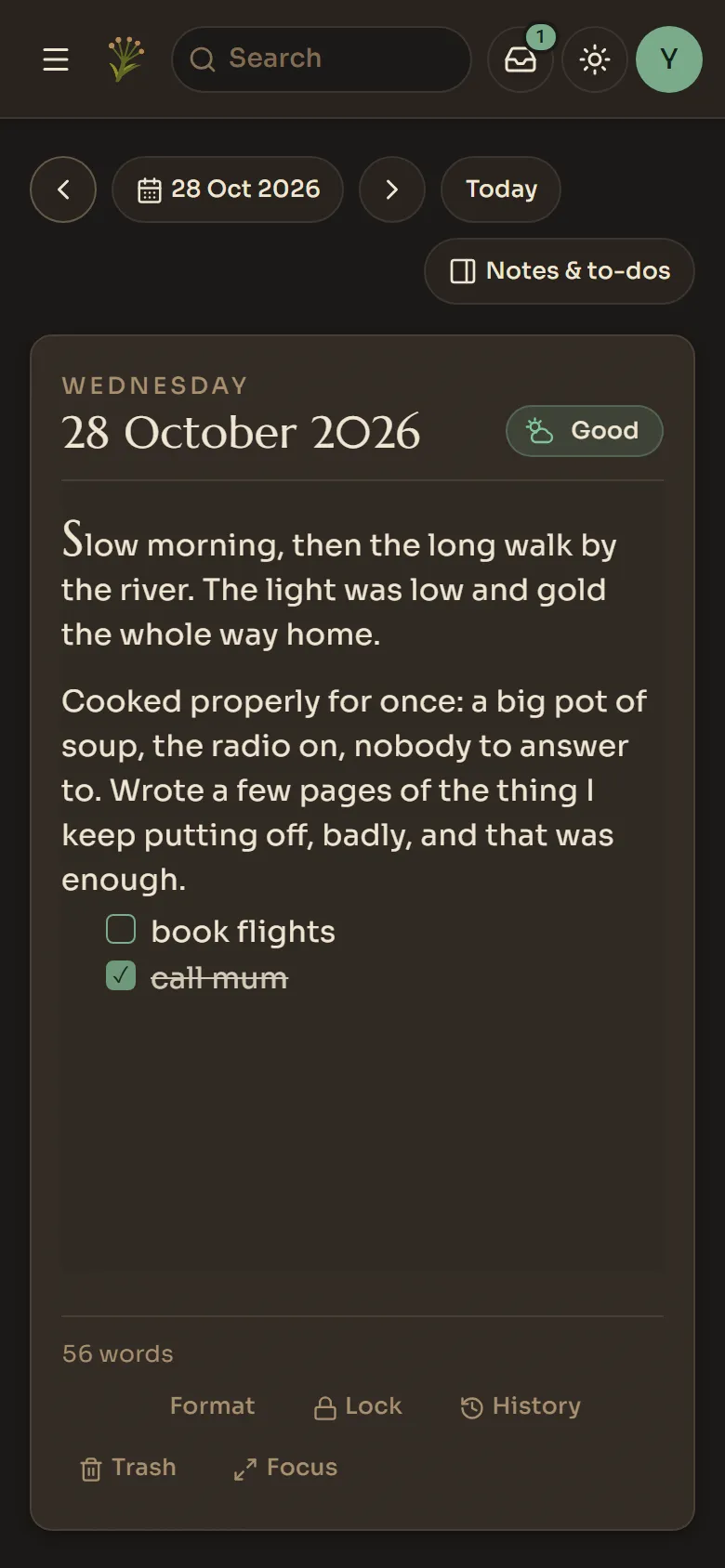
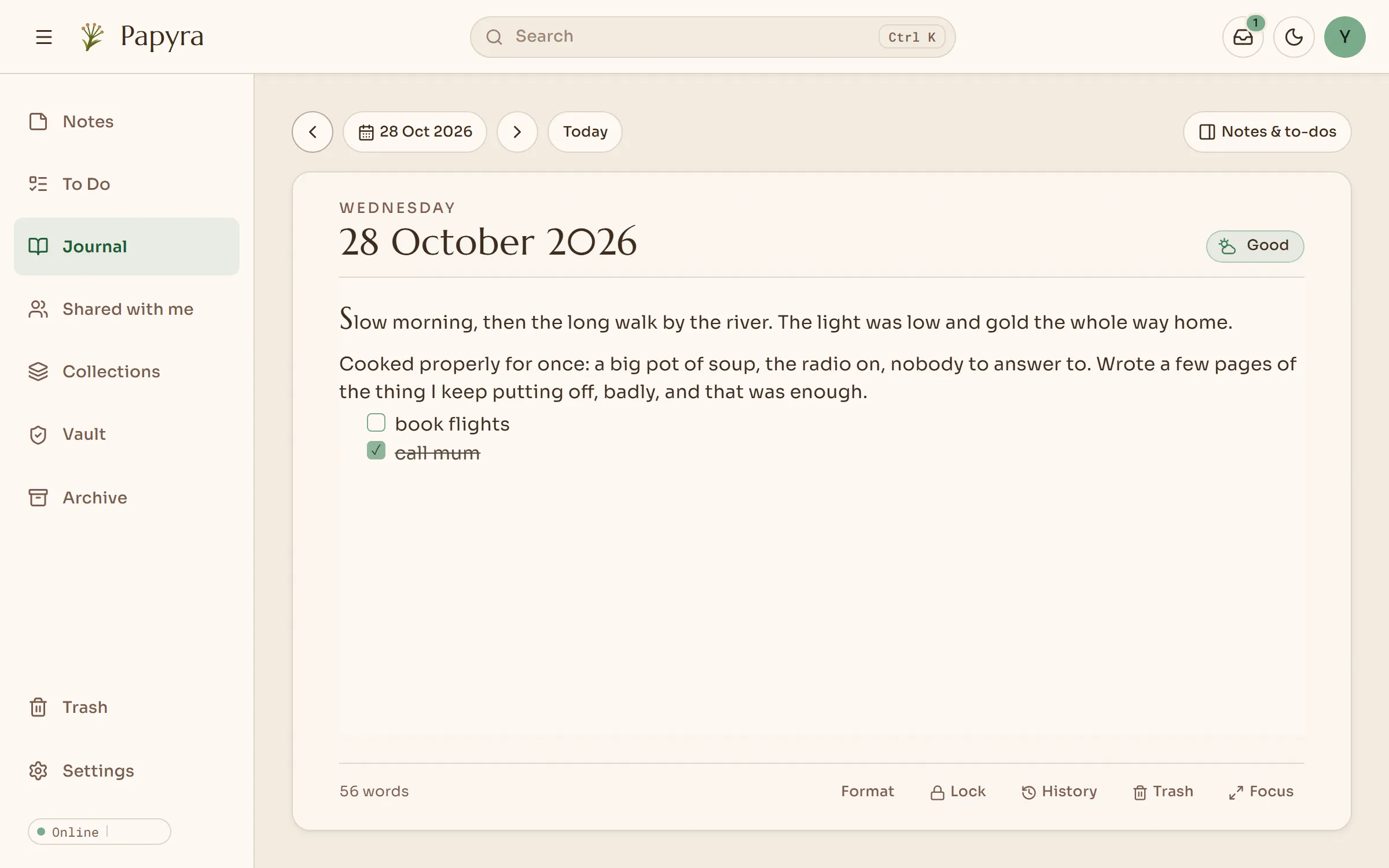
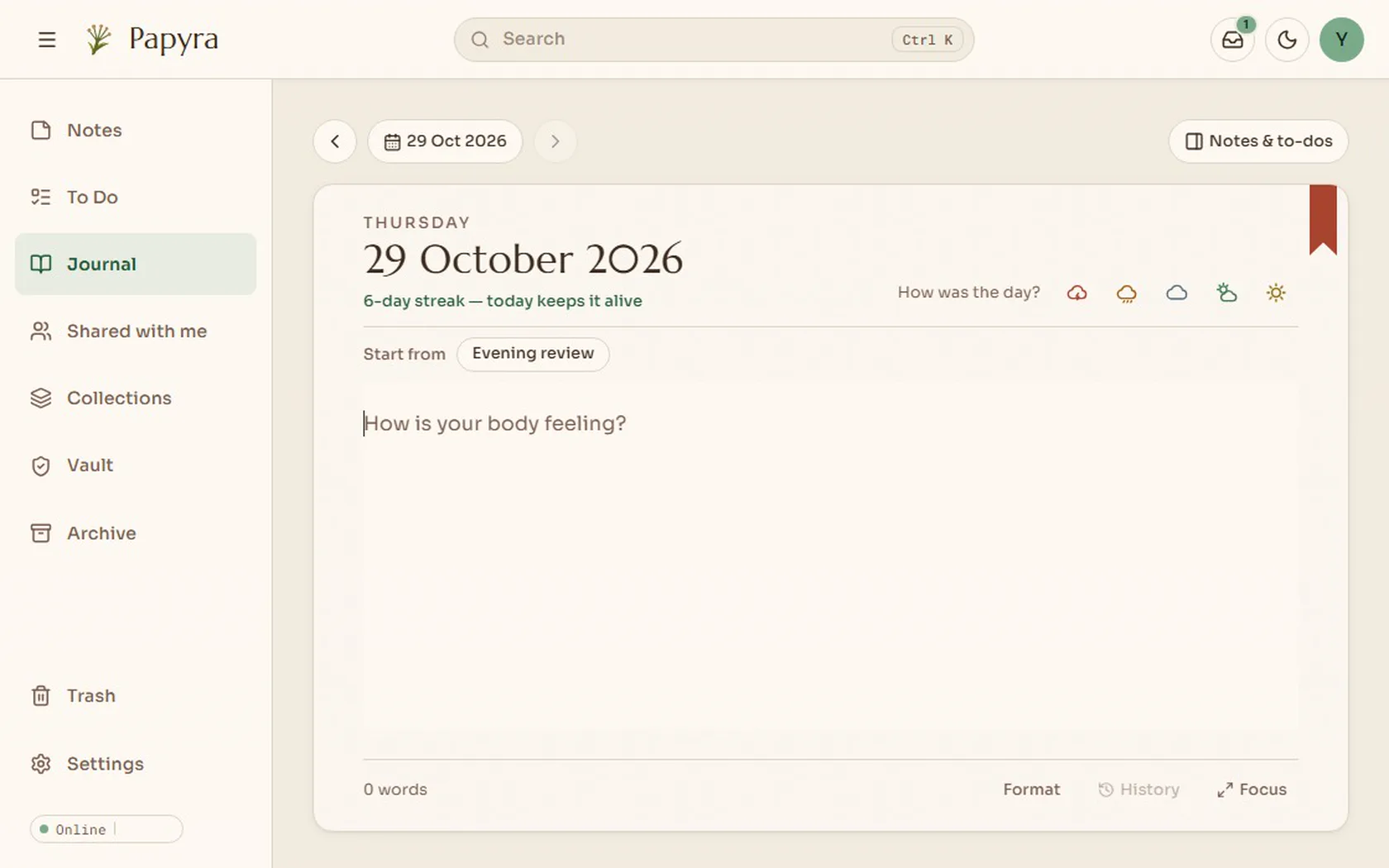
Write about your day, pick a mood, and browse the days on a calendar. You can link the notes and to-dos you worked on, or lock a day so only you can open it.
Search
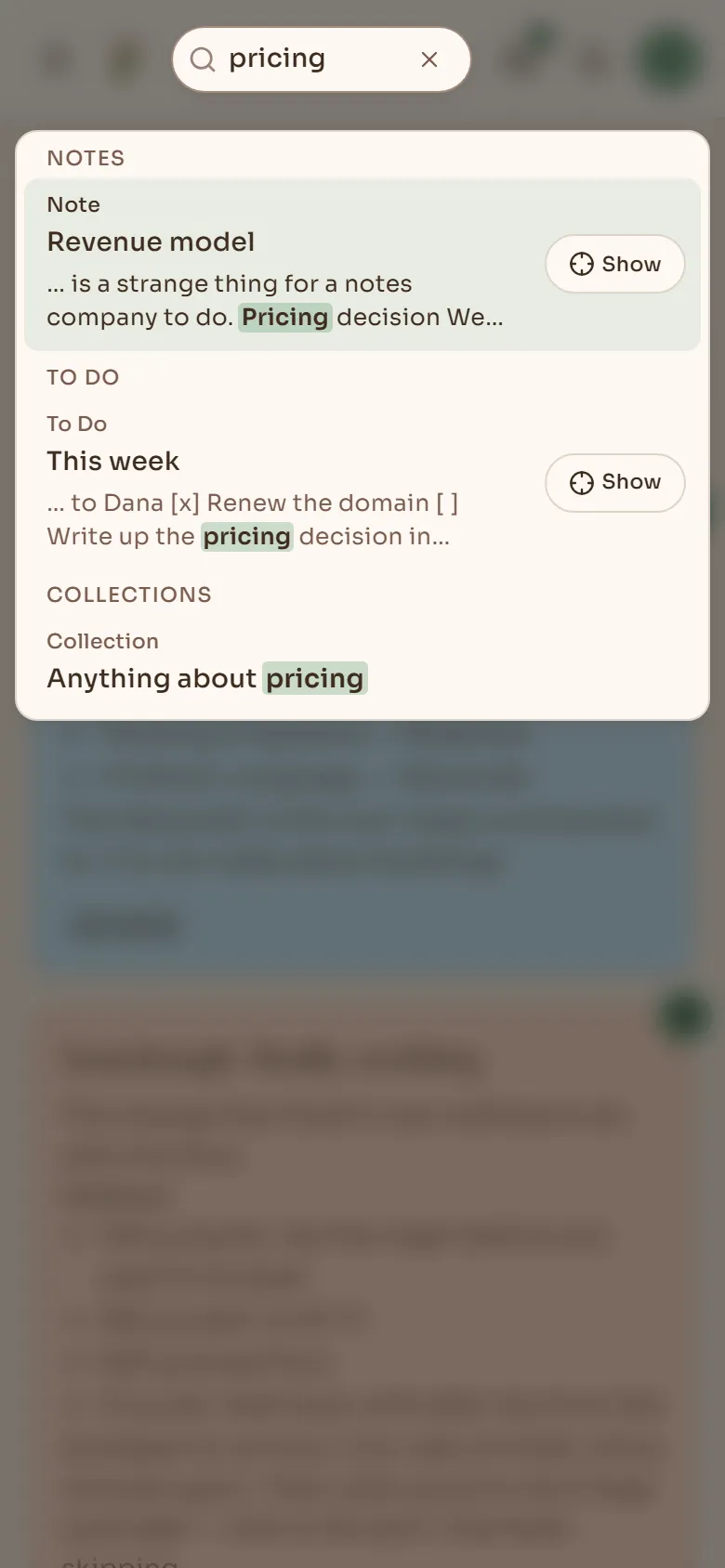
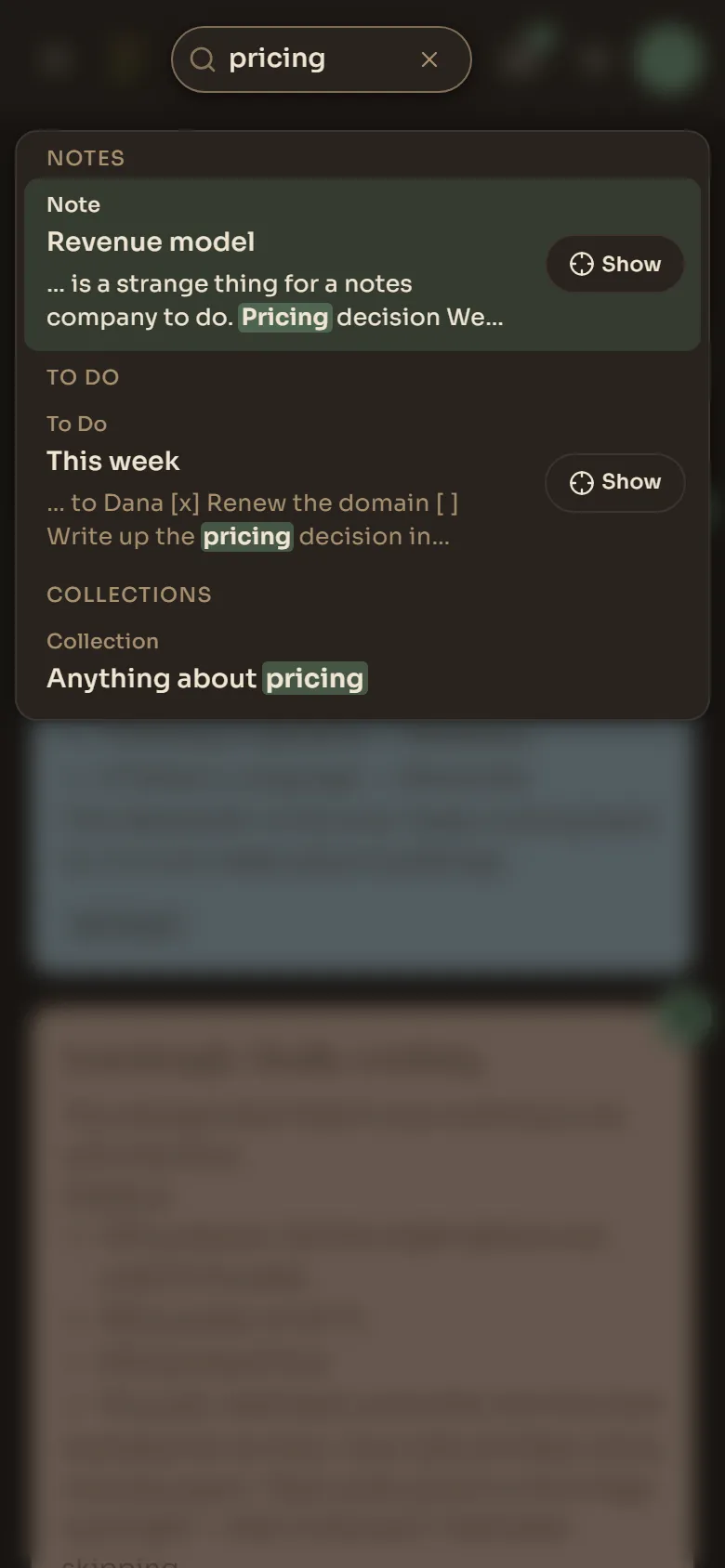
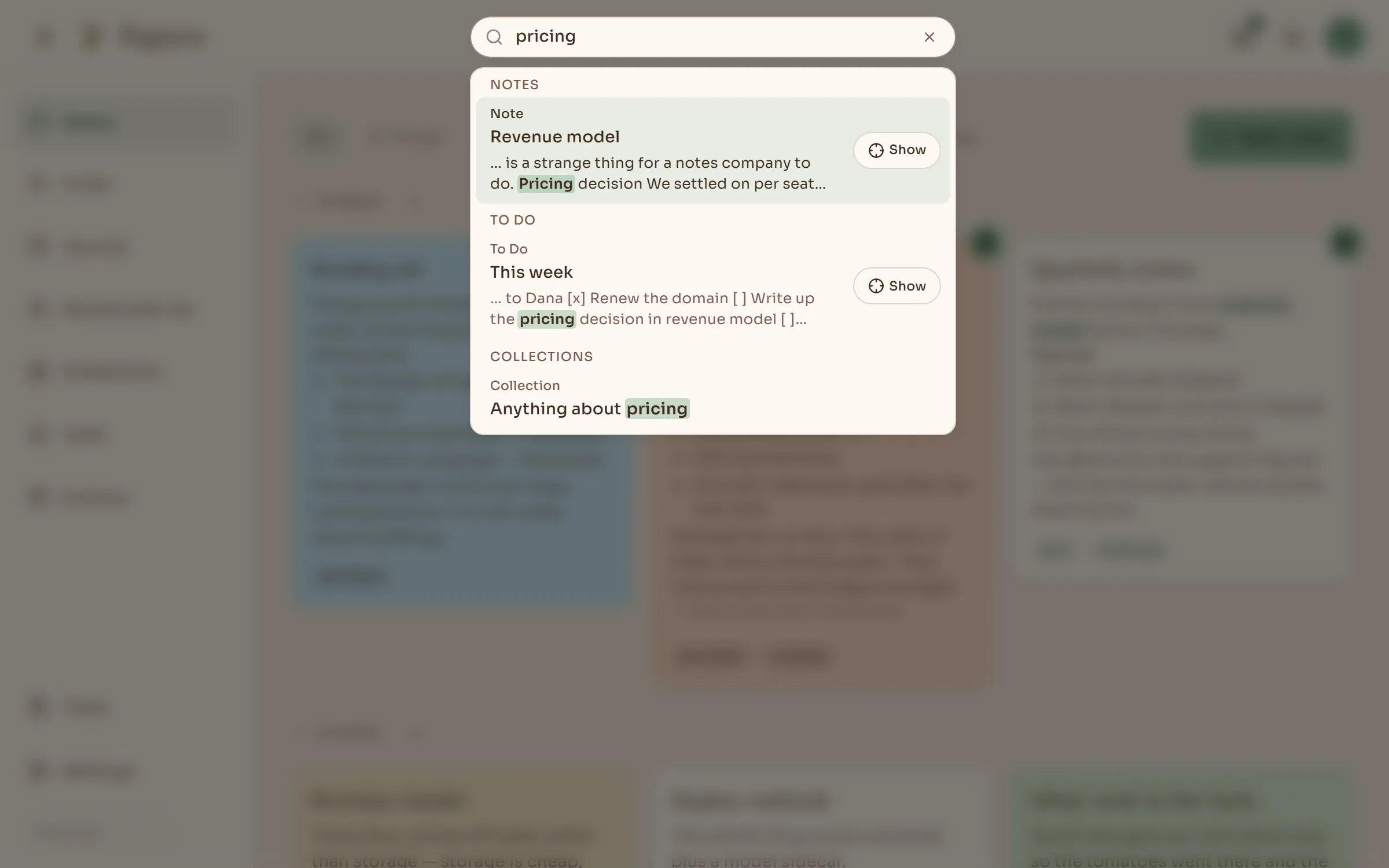
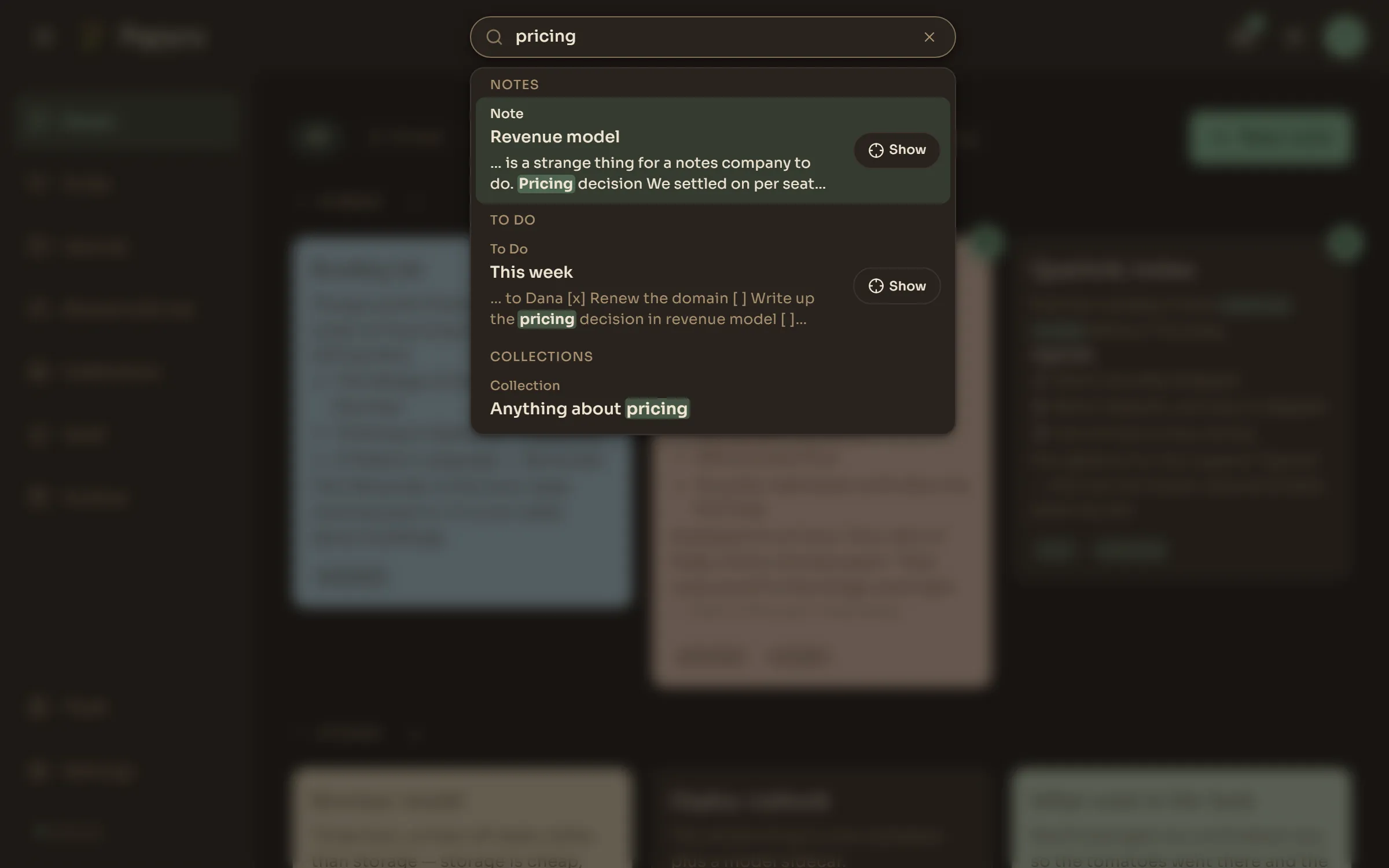
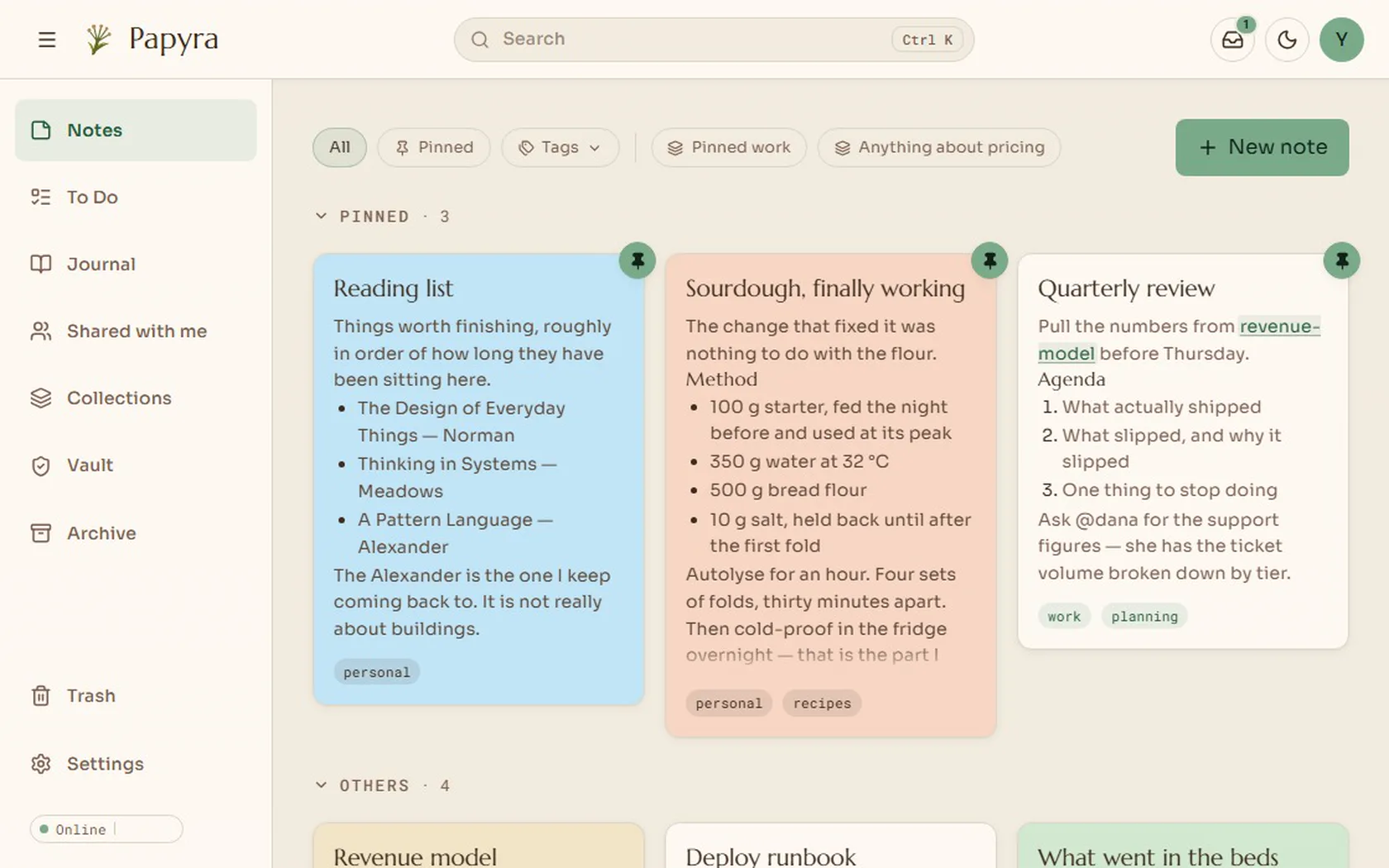
Search covers the text of every note, to-do and collection, and the matches are highlighted.
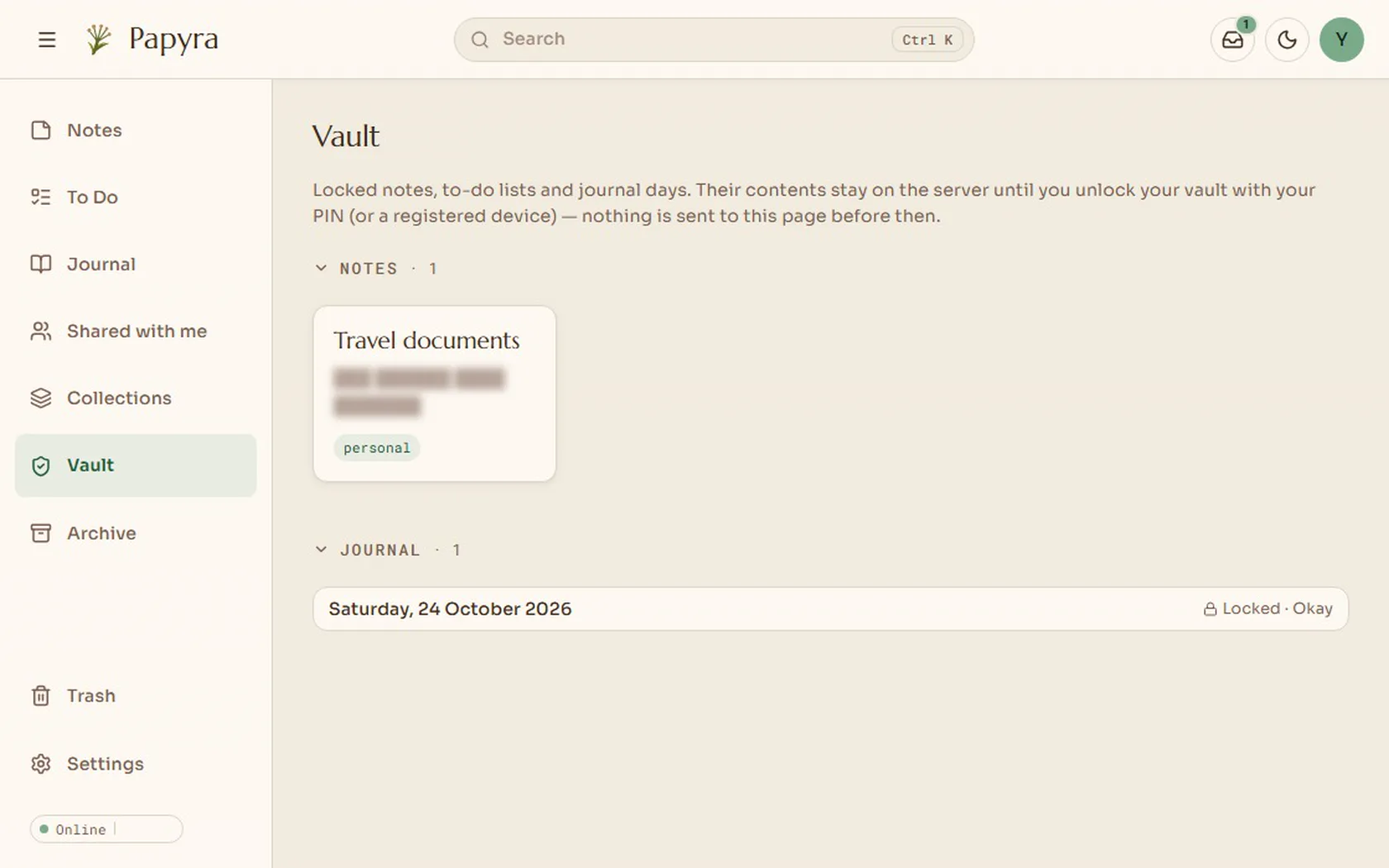
Locked notes
Locked notes are encrypted on disk. You open them with your PIN or your fingerprint.
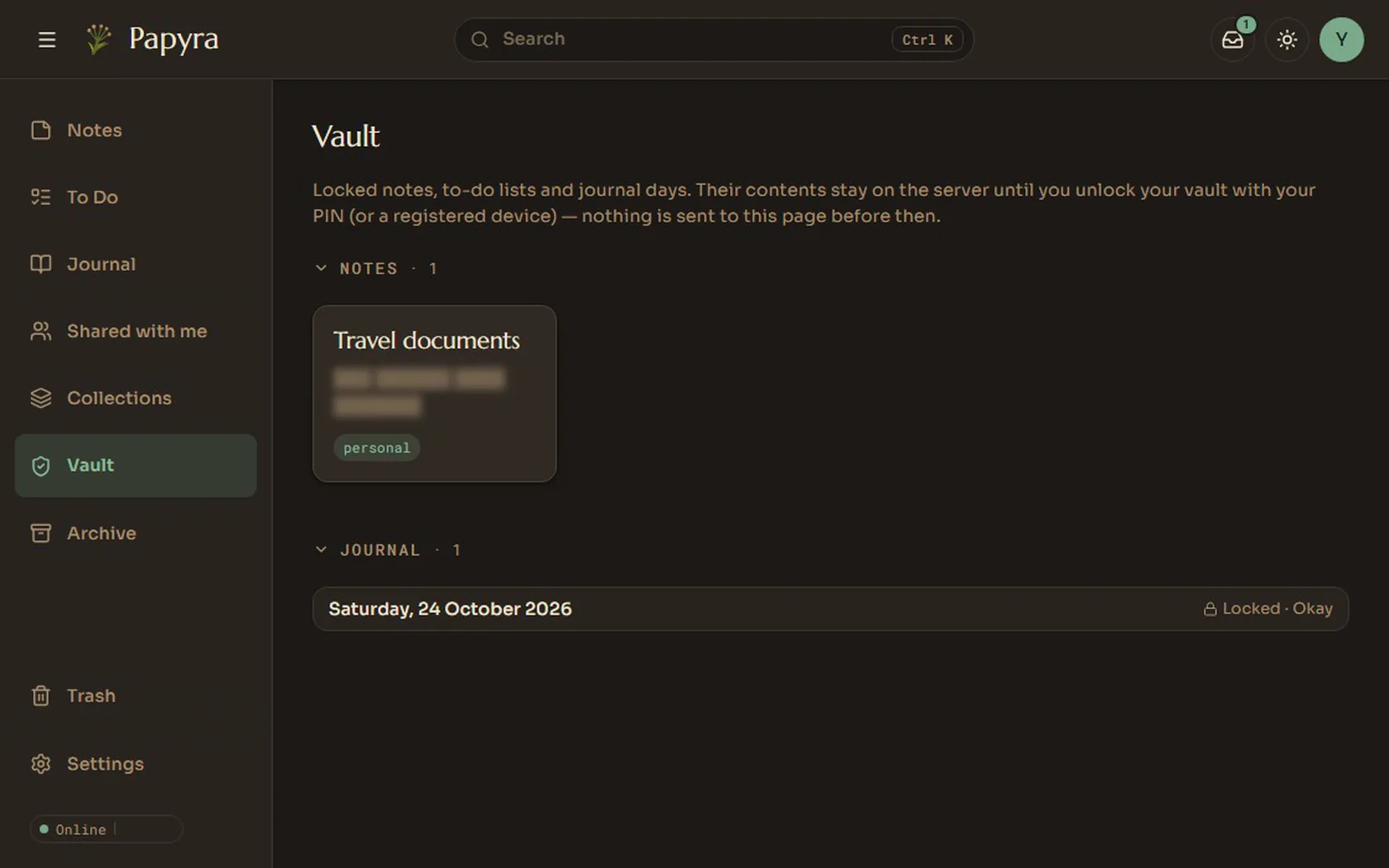
Themes
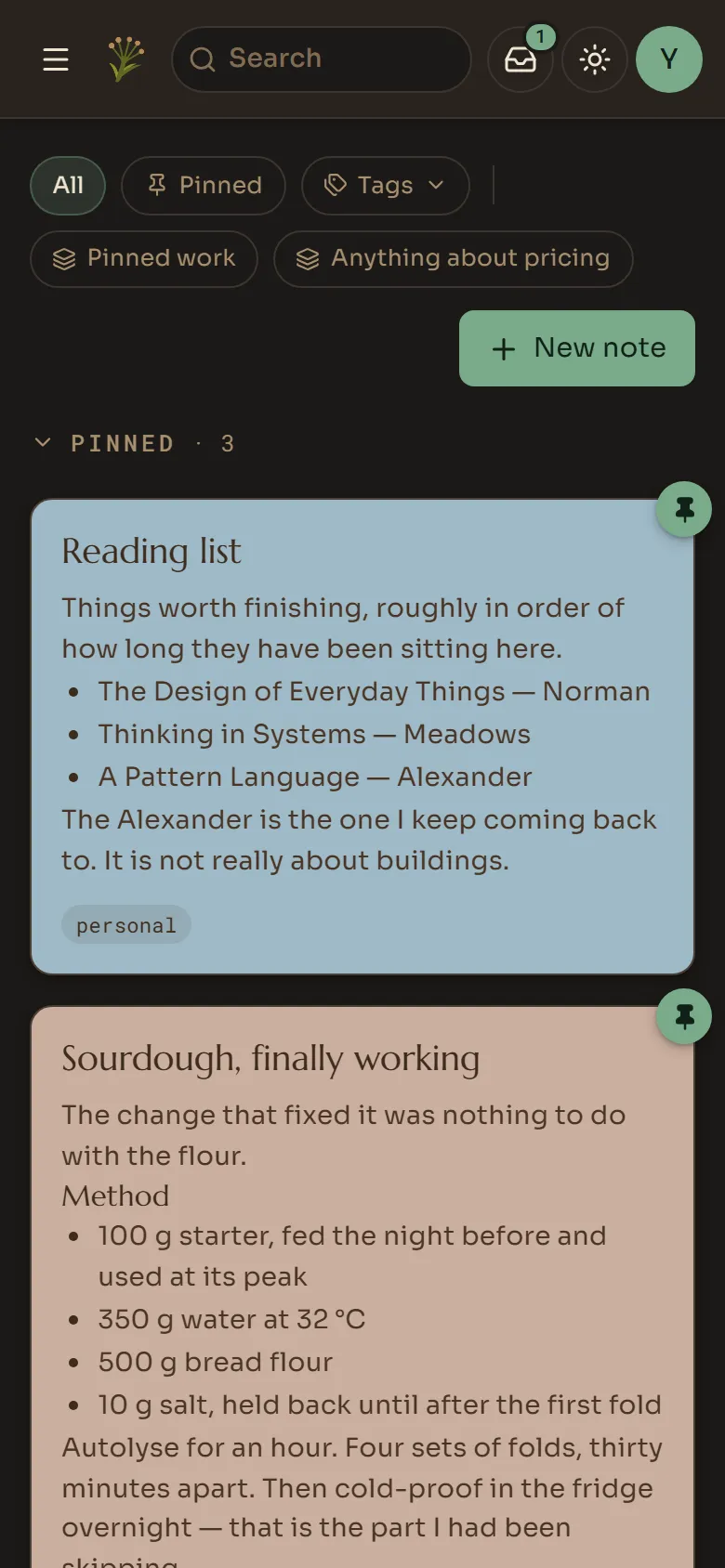
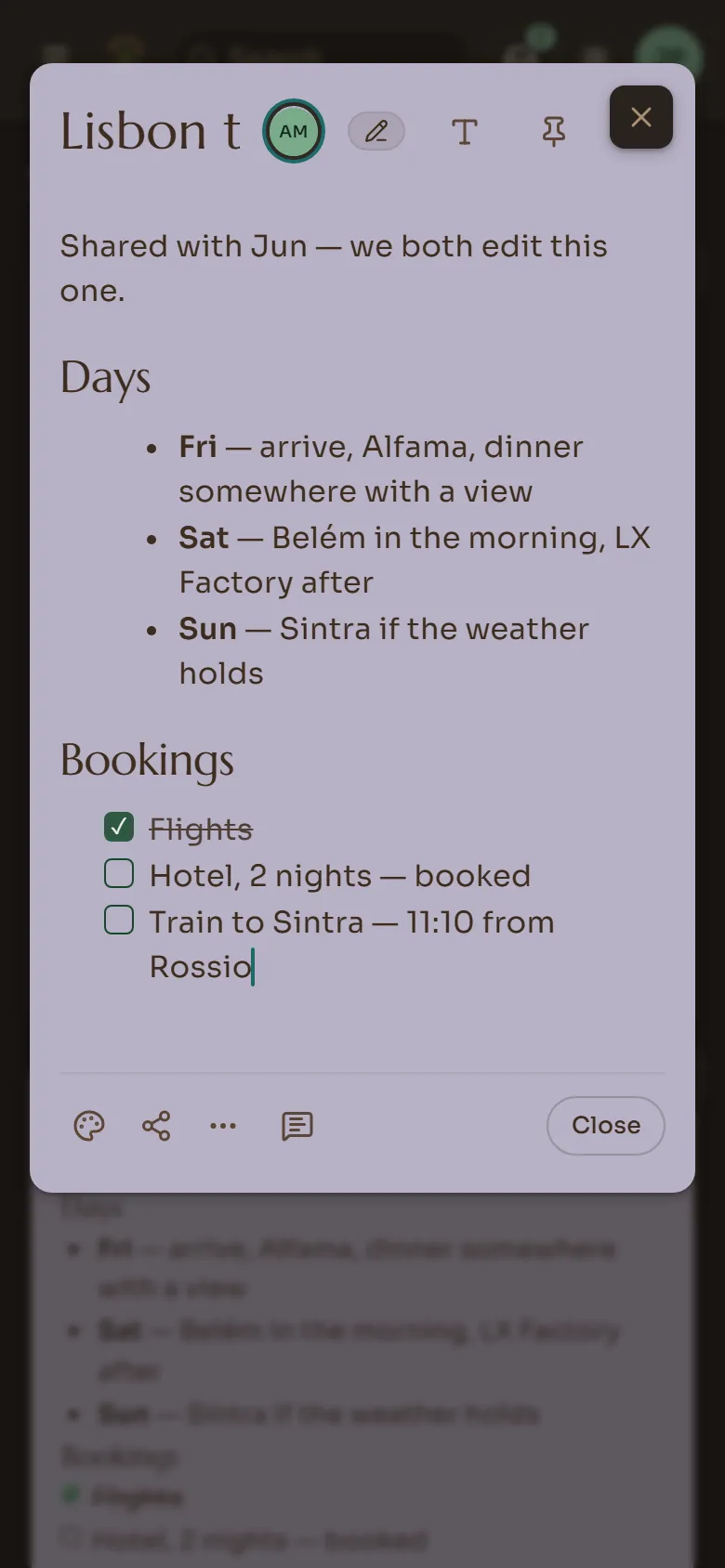
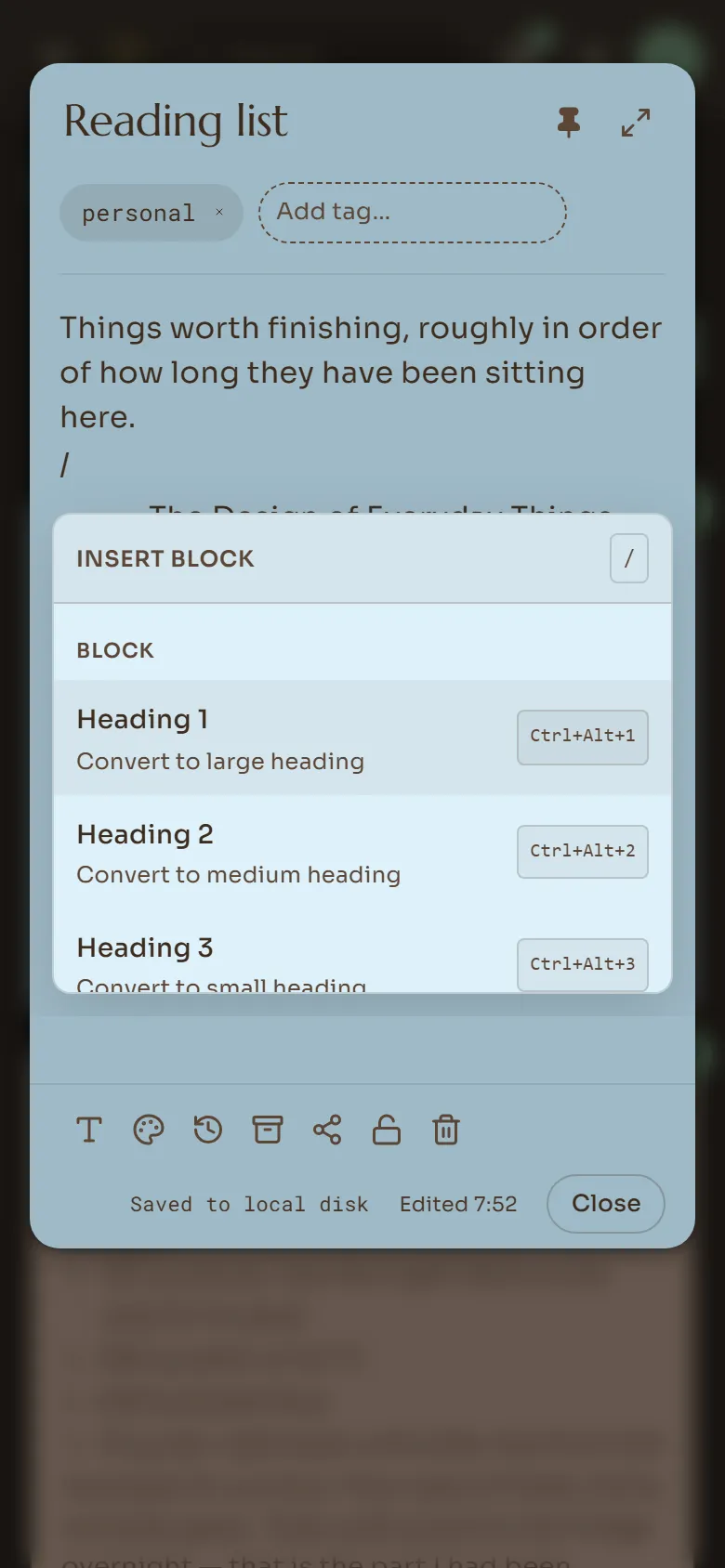
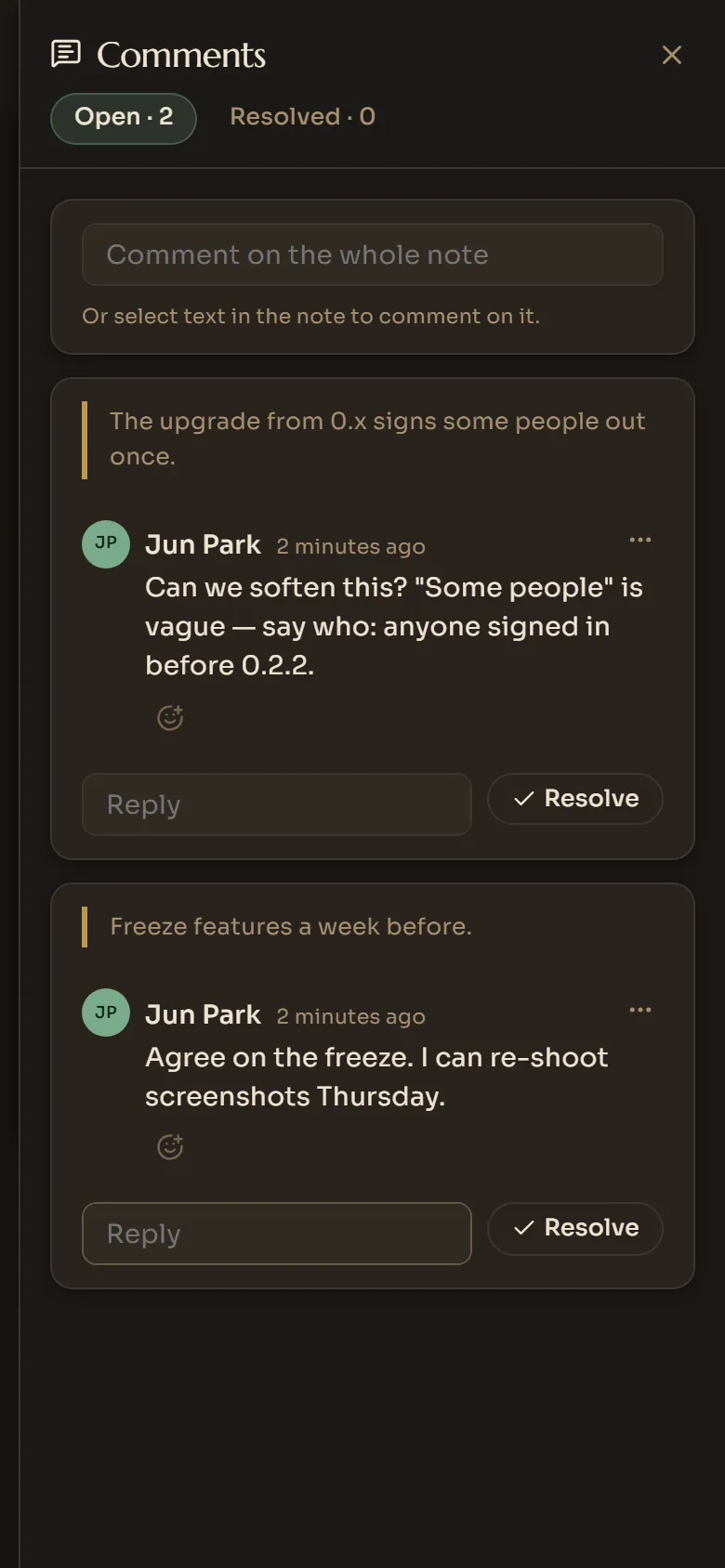
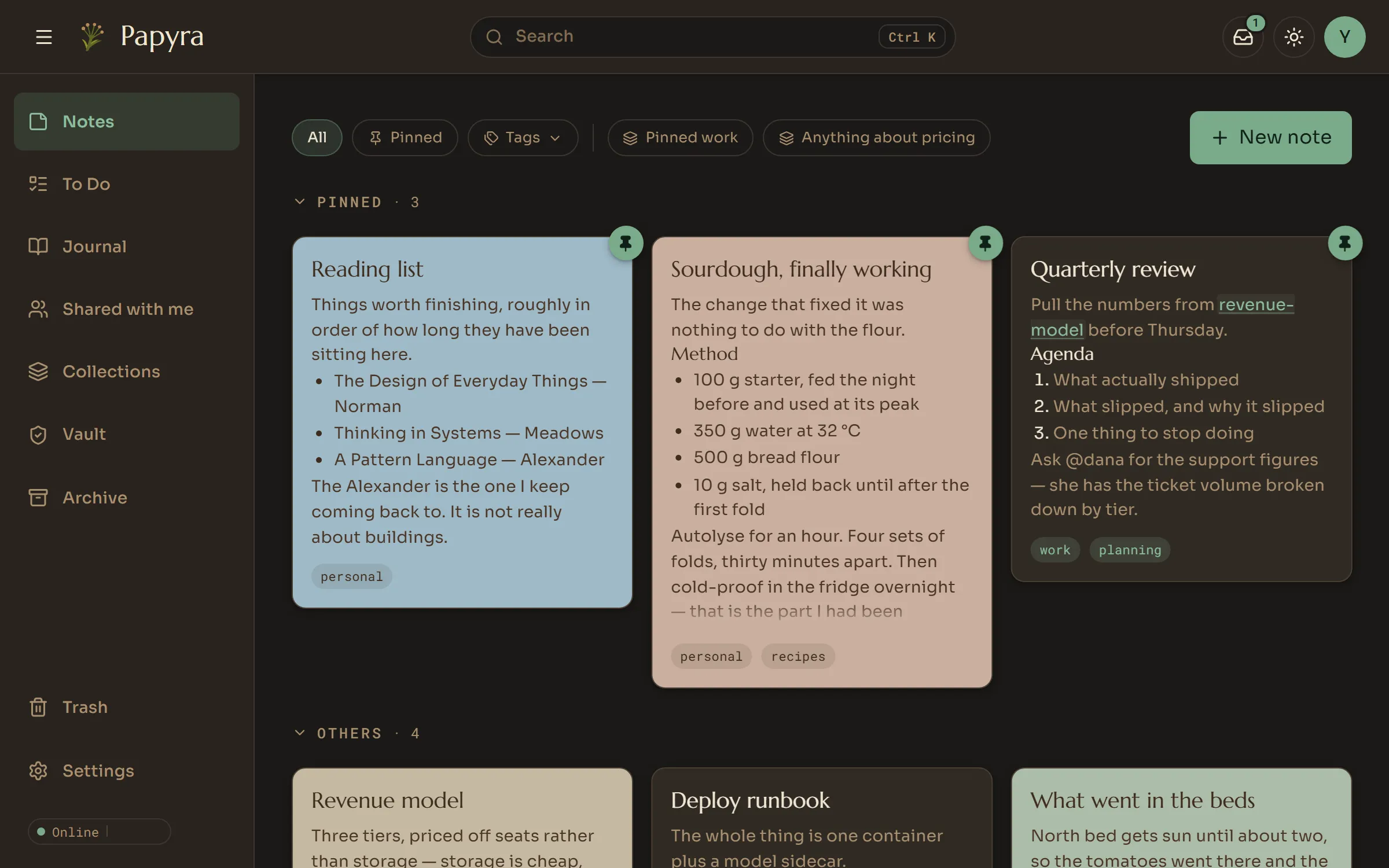
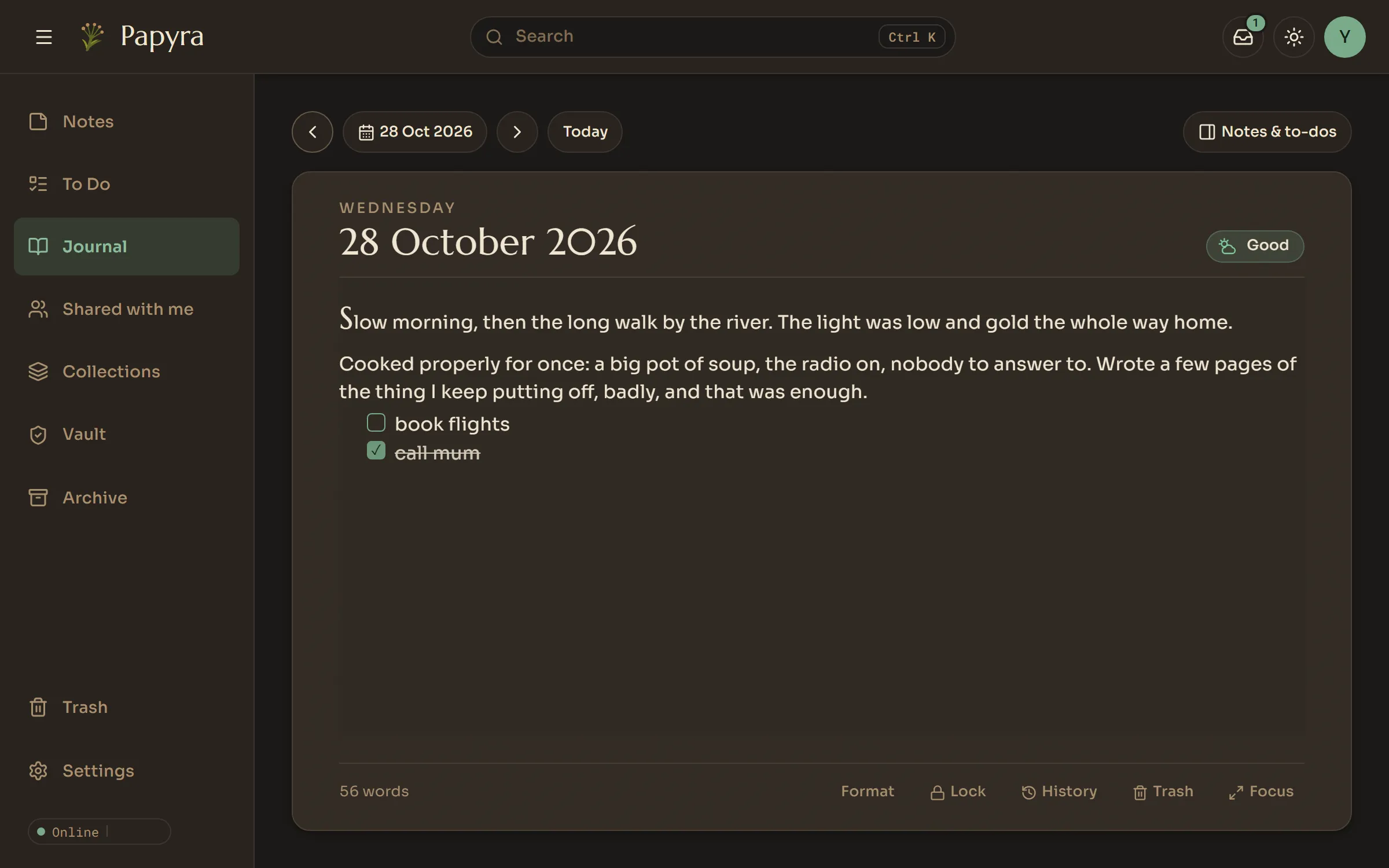
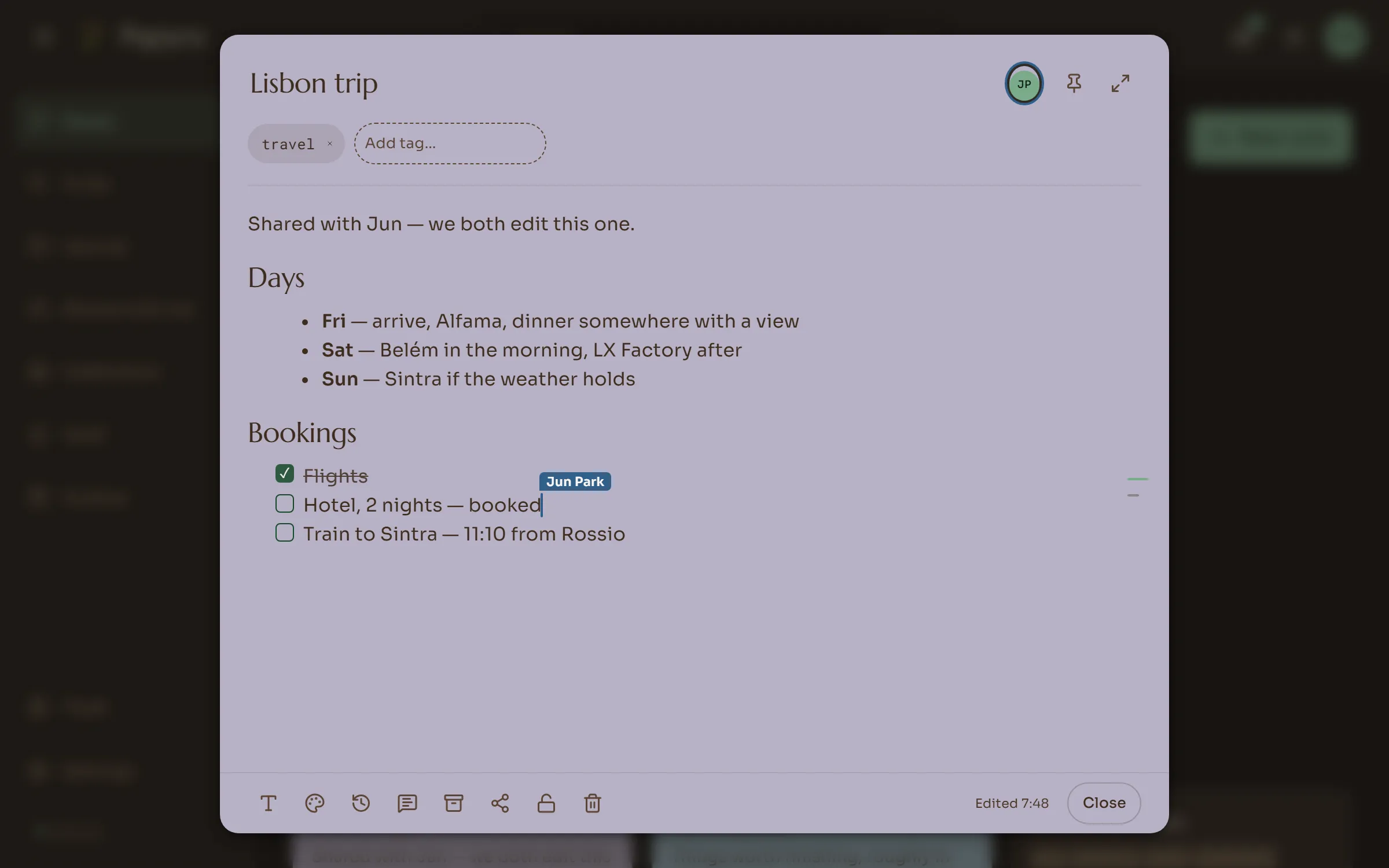
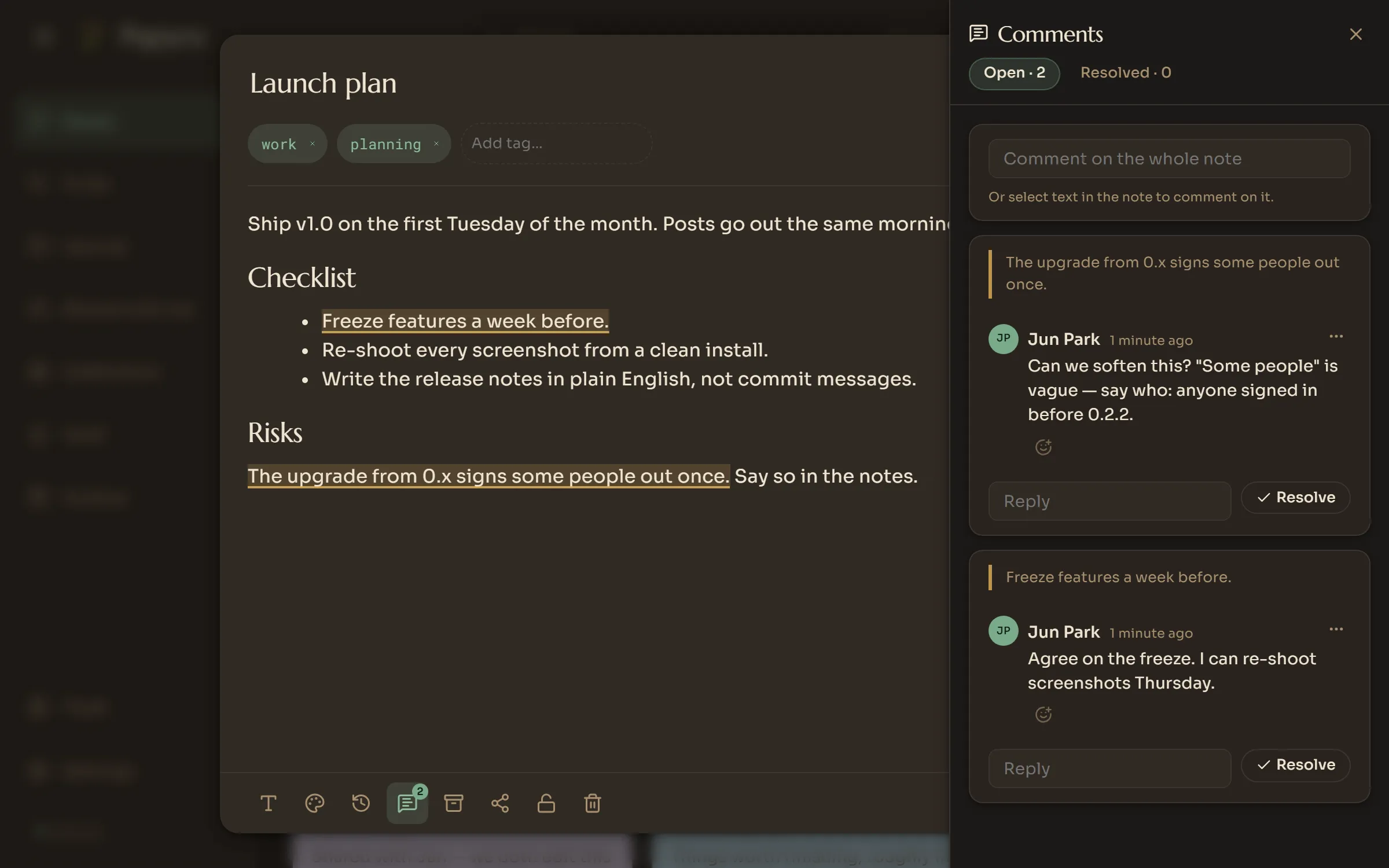
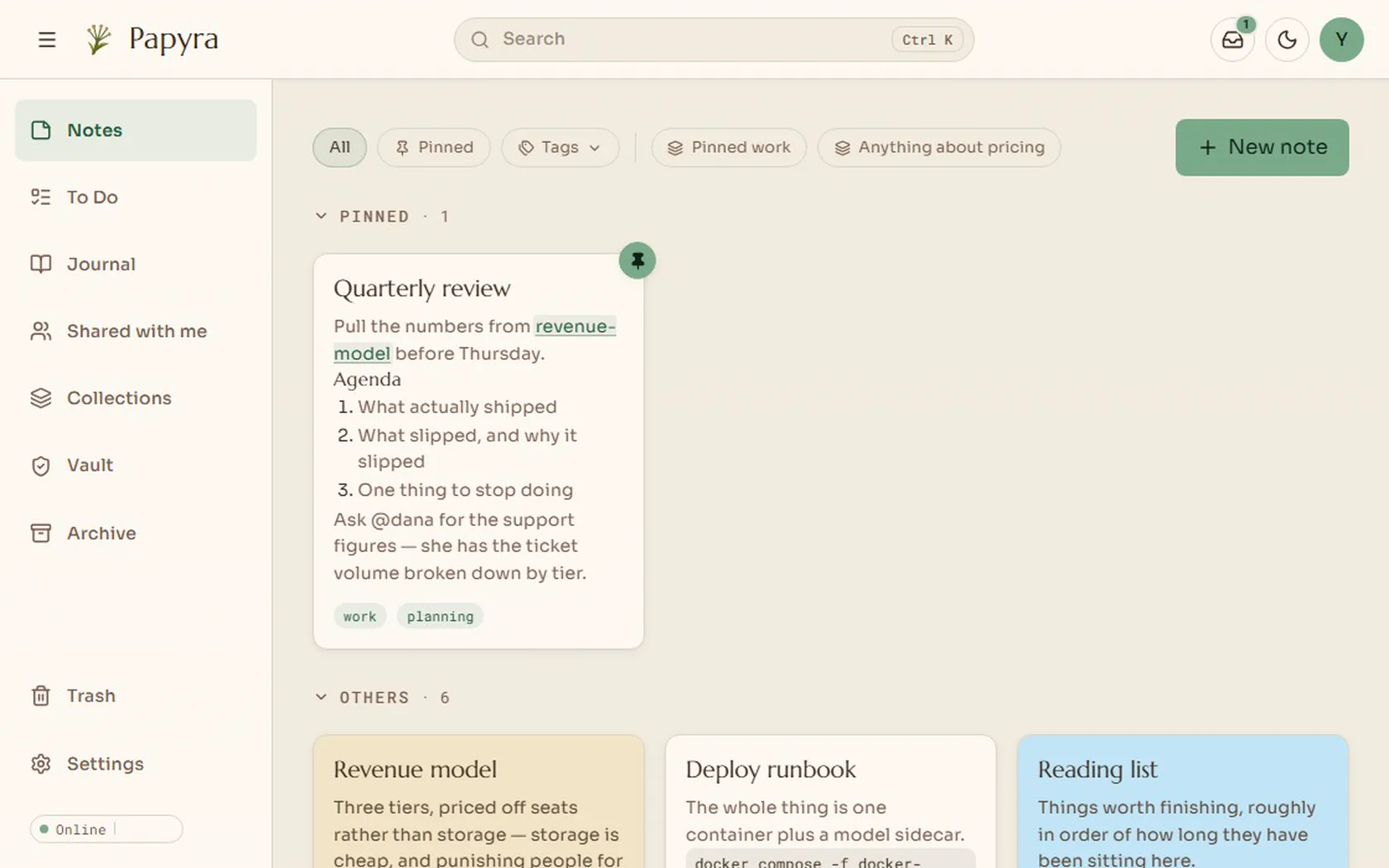
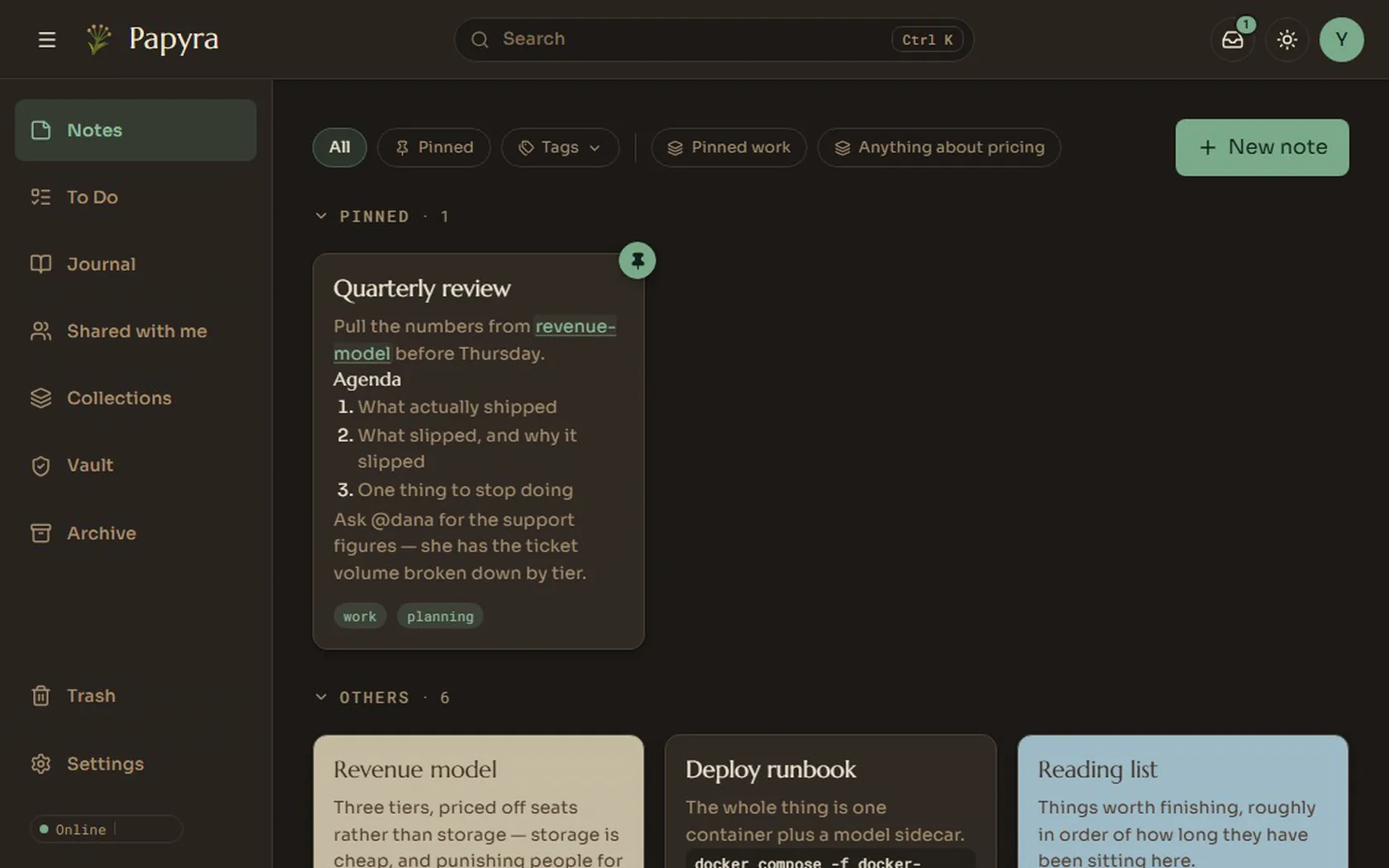
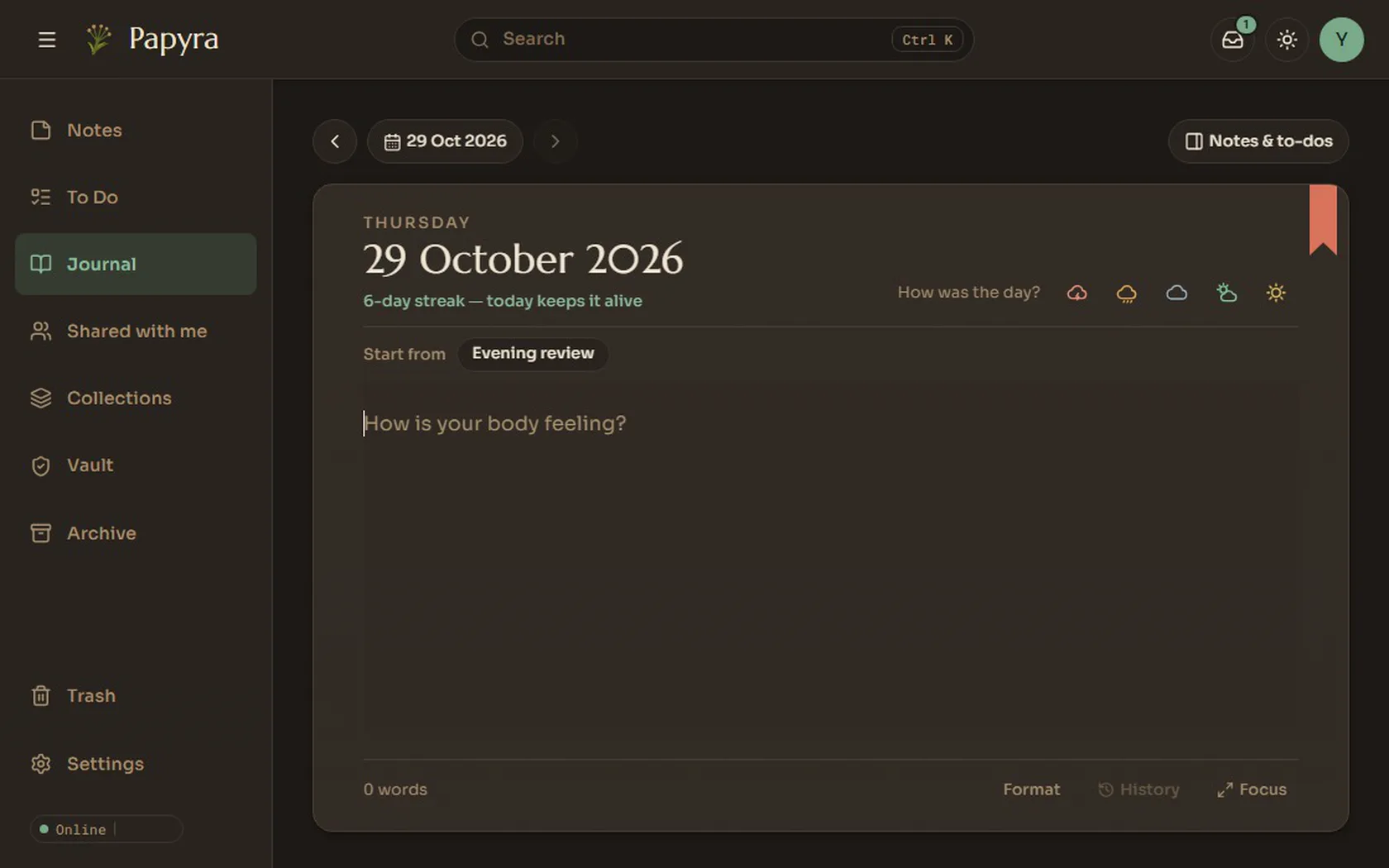
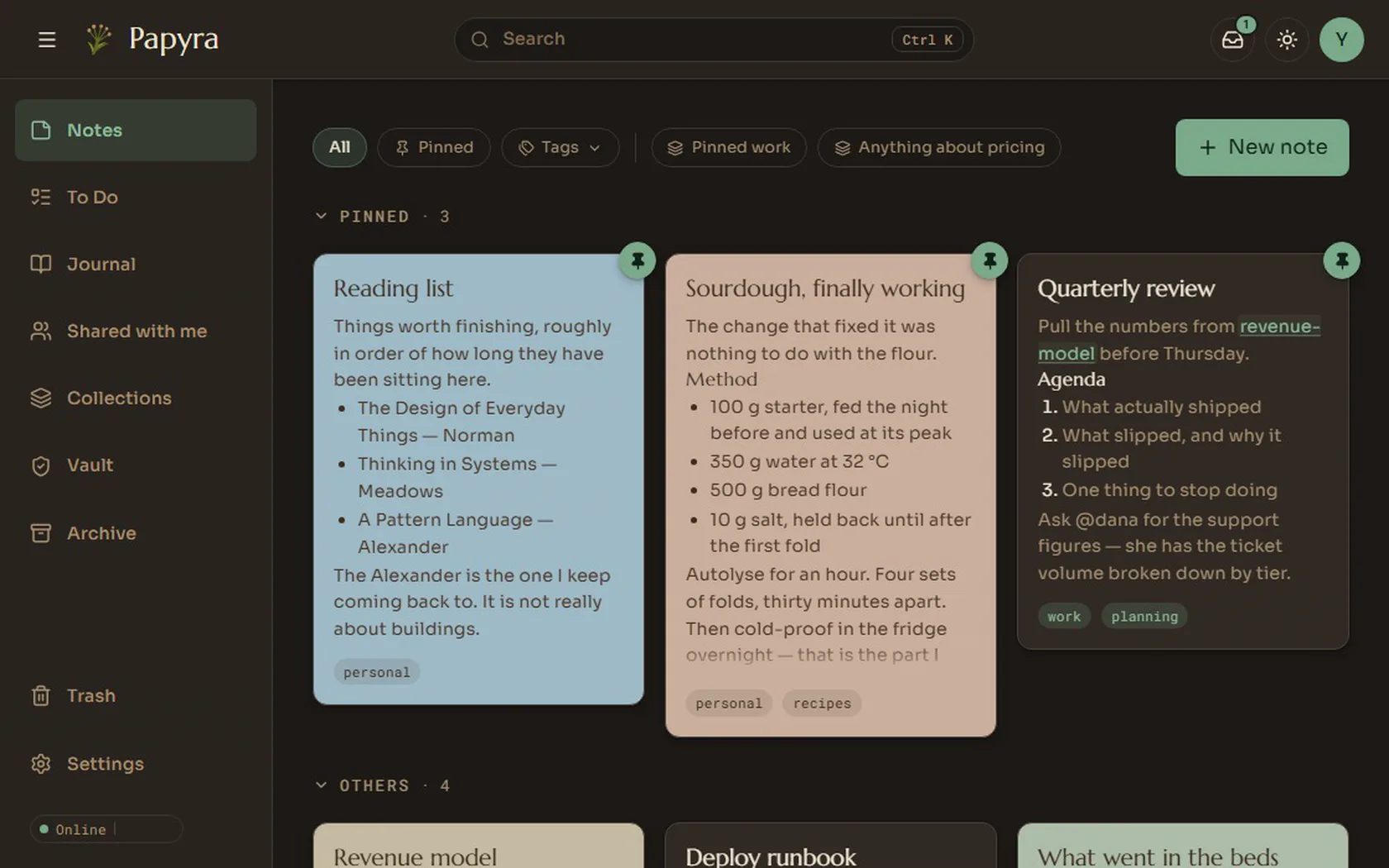
A warm paper look for the day and a dark graphite one for the evening.
More
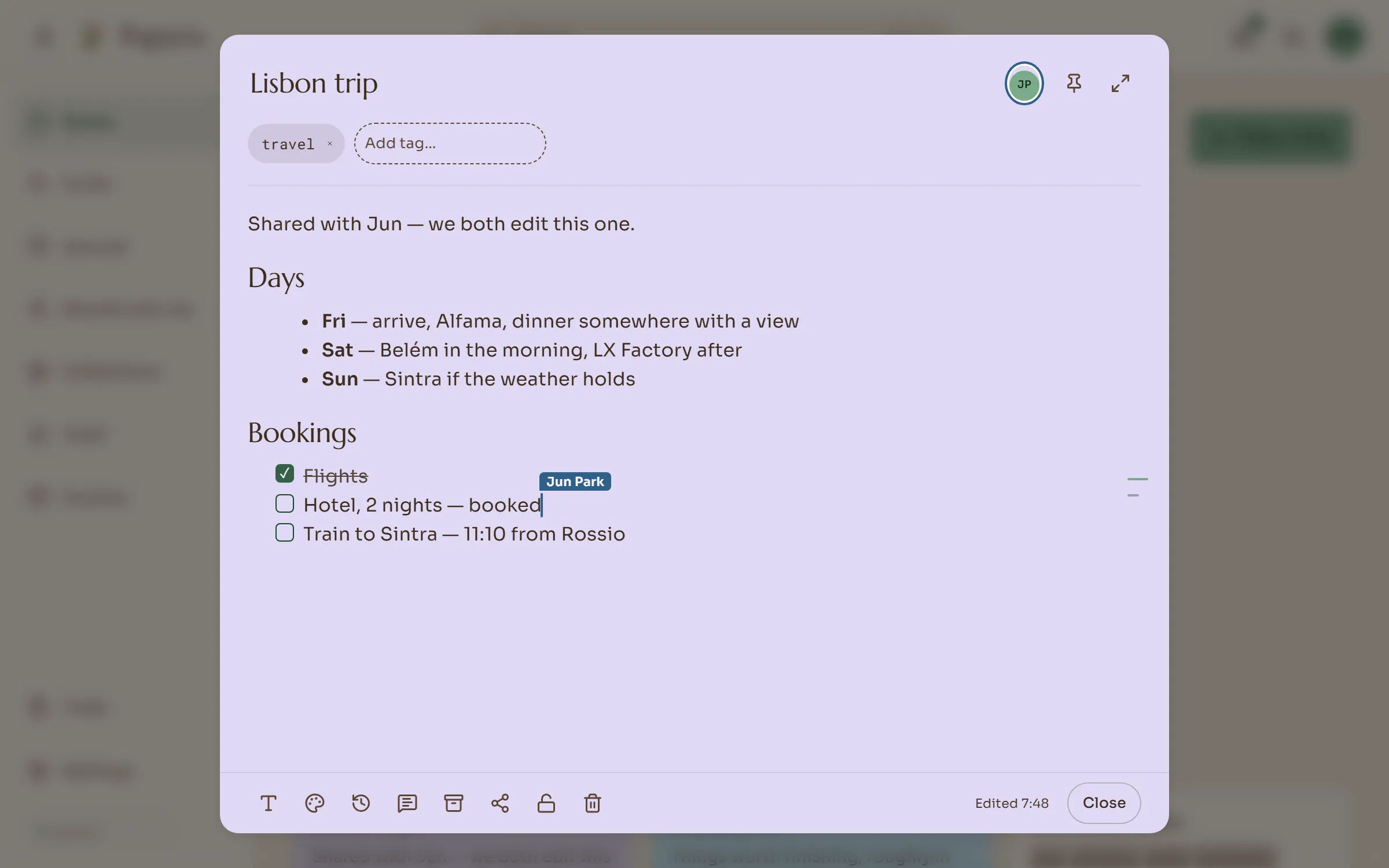
Edit shared notes together, cursors and all.
Every change is kept and you can restore any of them.
Type / for any block, [[ to link a note.
Drop files in, or paste a map, video or page link.
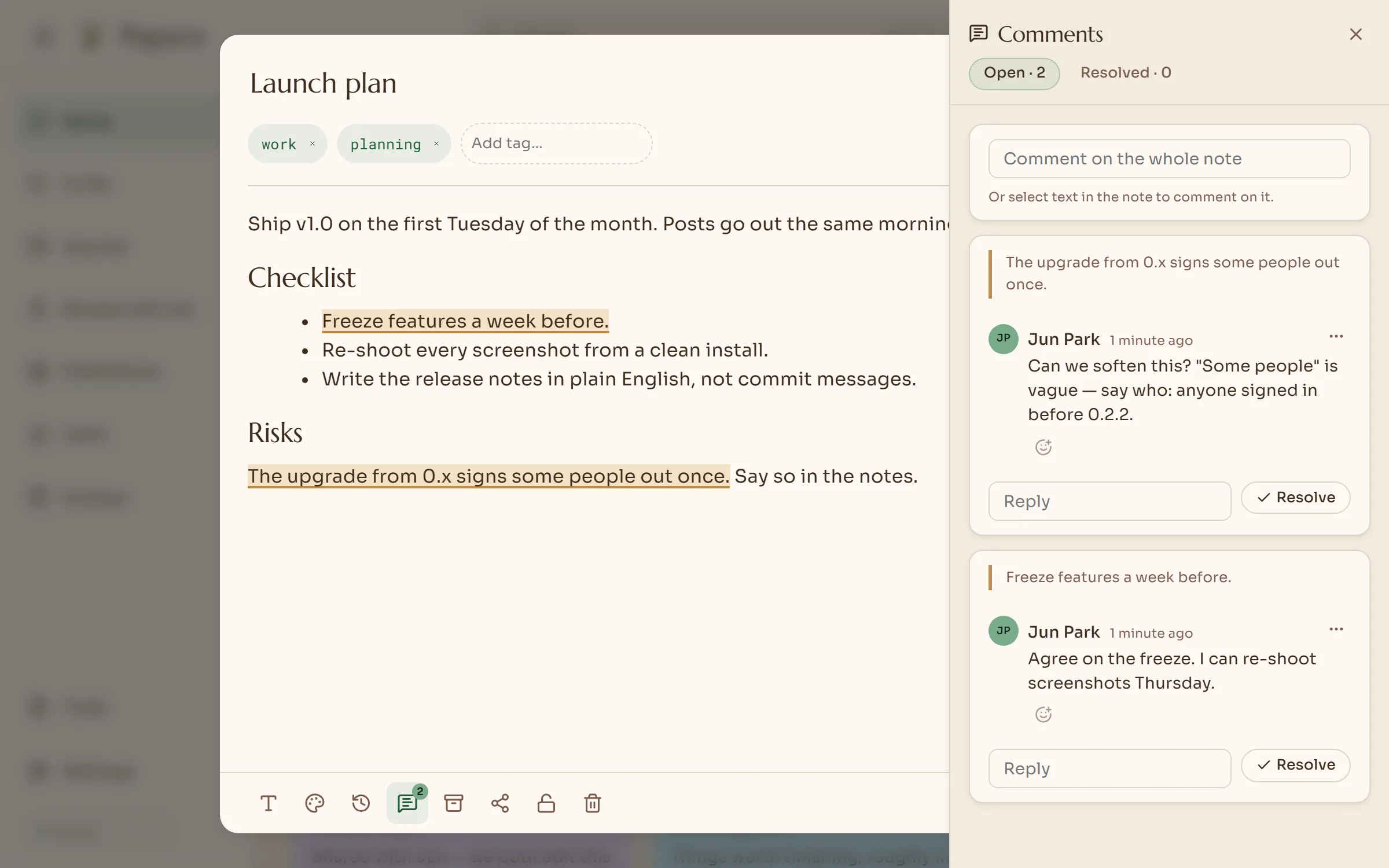
Share a note, @mention, reply in threads.
Fingerprint sign-in, authenticator codes, SSO.
Push your notes to a private Git repo, sealed.
Tags and filters that sort themselves.
Checklists that live beside your notes.
A page a day, with moods, a calendar and lockable days.
Install it as an app on a phone, tablet or laptop.
Separate, private accounts on one server.
Import
Import your Takeout archive. Checklists, labels, colours and pins come with it.
Upload your vault. Links, frontmatter and attachments arrive intact.
Drag the files into the app.
You can import again later; Papyra won’t create duplicate notes. How importing works
Privacy
Your notes never leave your server unless you share one, back it up to Git, or email yourself a sign-in alert. The only other thing Papyra sends anywhere is a daily check for a newer version, and you can turn that off.
Things Papyra never collects:
I run a home lab. Keeping my own data alive is hard enough, and I have no interest in storing yours.
Encrypted on disk. You open them with your PIN or your fingerprint.
Passkeys, authenticator codes and SSO, and you can sign out other devices.
Add your SMTP server and Papyra emails you about new sign-ins, password changes and failed backups.
No CDNs or trackers. Even the fonts are served from your own server.
Backups
Everything is a folder of Markdown on your server. Here are four ways to keep a copy somewhere else.
Papyra commits and pushes your notes to a private repo on a schedule. You can encrypt them first so GitHub can’t read them. It never force-pushes, so the history stays intact.
Download everything as a zip whenever you like.
An encrypted backup that needs your password to open.
rsync, snapshots and NAS backups all work, because it is only files.
Roadmap
Windows, macOS and Linux, connecting to your server.
iOS and Android, with offline support.
A page for each day, with moods, a calendar, photos, voice notes and days you can lock. Import from Day One.
v1.1.0Scripts and AI agents using an API key can edit a live note while you have it open.
Install it on your phone. Edits made offline sync when you reconnect.
Vault notes are encrypted on disk, not just hidden on screen.
Drop files into a note. PDFs preview in place, and iPhone photos work too.
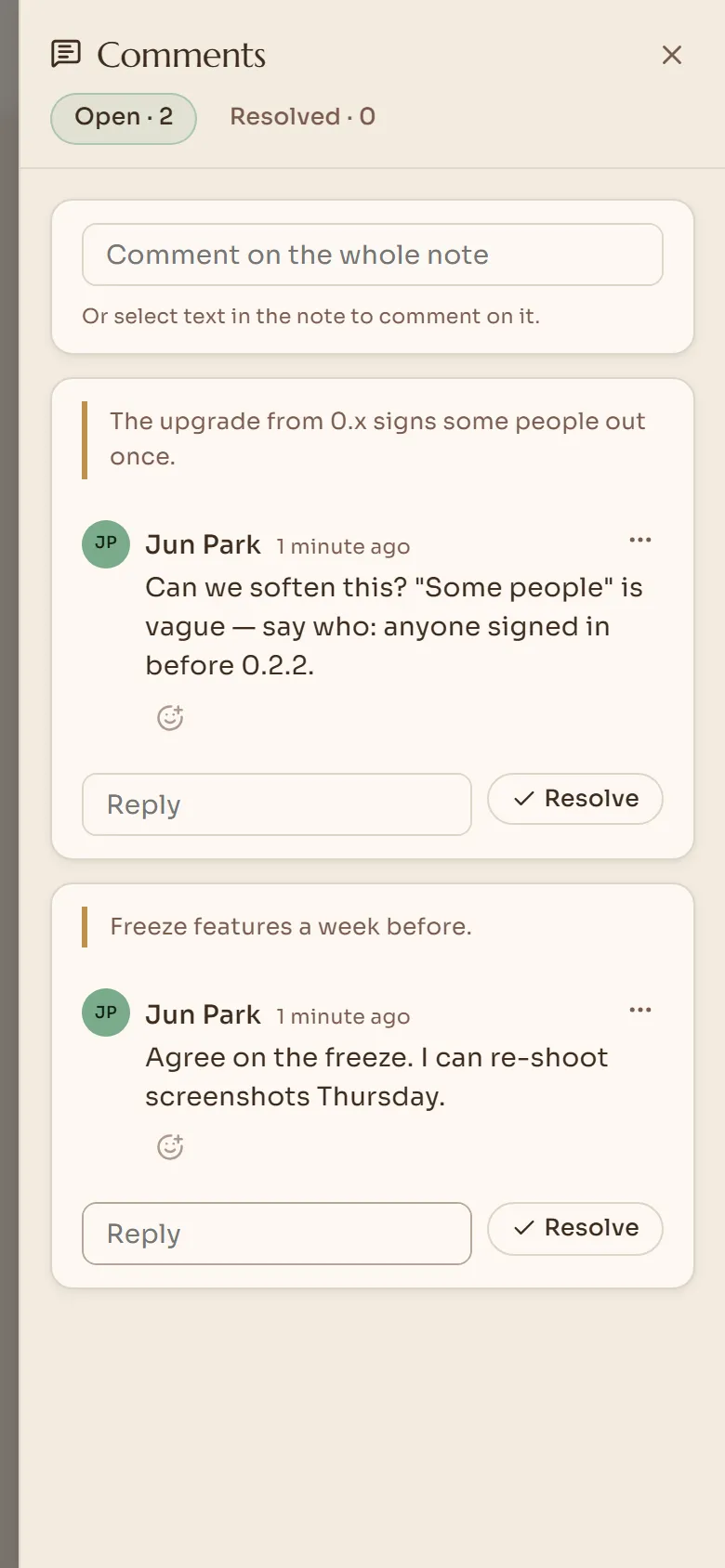
Edit a shared note together, with live cursors, presence and your own undo. Comment threads on any text.
v0.2.0Sign in with a fingerprint. Every account can use authenticator codes.
@mention someone to share a note. A tray shows what changed.
Bring your notes across. Importing again never duplicates a note.
See every note that links to this one, and write with nothing else on screen.
v0.1.0Install
Download one compose file, run one command and open the site in your browser. The first account you create becomes the admin.
curl -O https://raw.githubusercontent.com/lyfie-org/papyra/main/docker-compose.hub.yml
docker compose -f docker-compose.hub.yml up -d

# then open http://localhost:8080
Open source
Papyra is free software under the GPL, and the code is on GitHub. Bug reports, ideas and pull requests are all welcome.
Starring it on GitHub is an easy way to support the project, and it helps other people find it.
Questions
A free, open-source, self-hosted note-taking app. It is as simple as Google Keep, links notes like a wiki, and keeps every note as a plain Markdown file on your own server.
Yes. Papyra has no tracking, analytics or crash reports, and its interface makes no third-party requests, and even its fonts come from your server. The server makes one request of its own: a daily check for a newer version, which I also use as a count of installs to stay motivated. It is optional. Set PAPYRA_UPDATE_CHECK_ENABLED=false and it never calls out (details at papyra.app/docs/update-check). Your notes only leave your server if you share one, set up a Git backup, or configure email alerts. Locked notes are encrypted on disk.
Yes. It is open source under the GNU GPL v3.0, with no paid tier, no licence key and no account with us.
Yes. Import a Google Keep Takeout archive (checklists, labels, colours and pins come with it) or upload an Obsidian vault with its links and attachments. A Day One journal comes in as days of the journal. You can also drag any Markdown file into the app.
Docker. Papyra is one container with one volume, and runs on amd64 and arm64, so a NAS, a Raspberry Pi or a small VPS all work. Installing takes one command.
Yes. Papyra installs as an app on phones, tablets and computers, opens without a connection, and syncs offline edits when you are back. Native desktop and mobile apps are planned.
Nothing happens to them. They are ordinary Markdown files in a folder you own, and any text editor can open them.